# Starring apps and workflows
https://mobilebuilds.app/guides/starring-apps-and-workflows/
Last updated: 2026-08-16
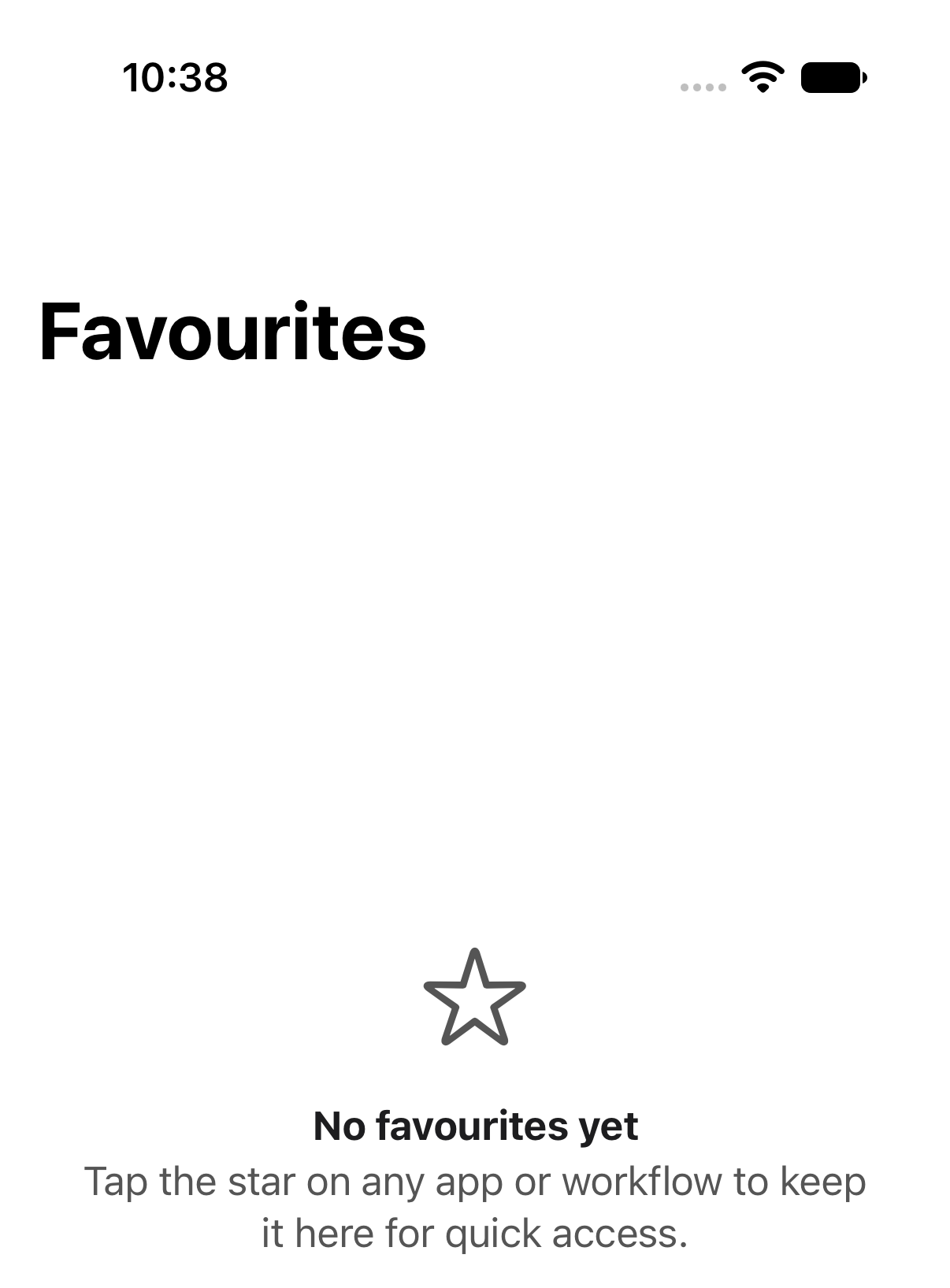
If you only really watch two of your twelve workflows, star them. The
**Favourites** tab collects them so you don't have to dig.
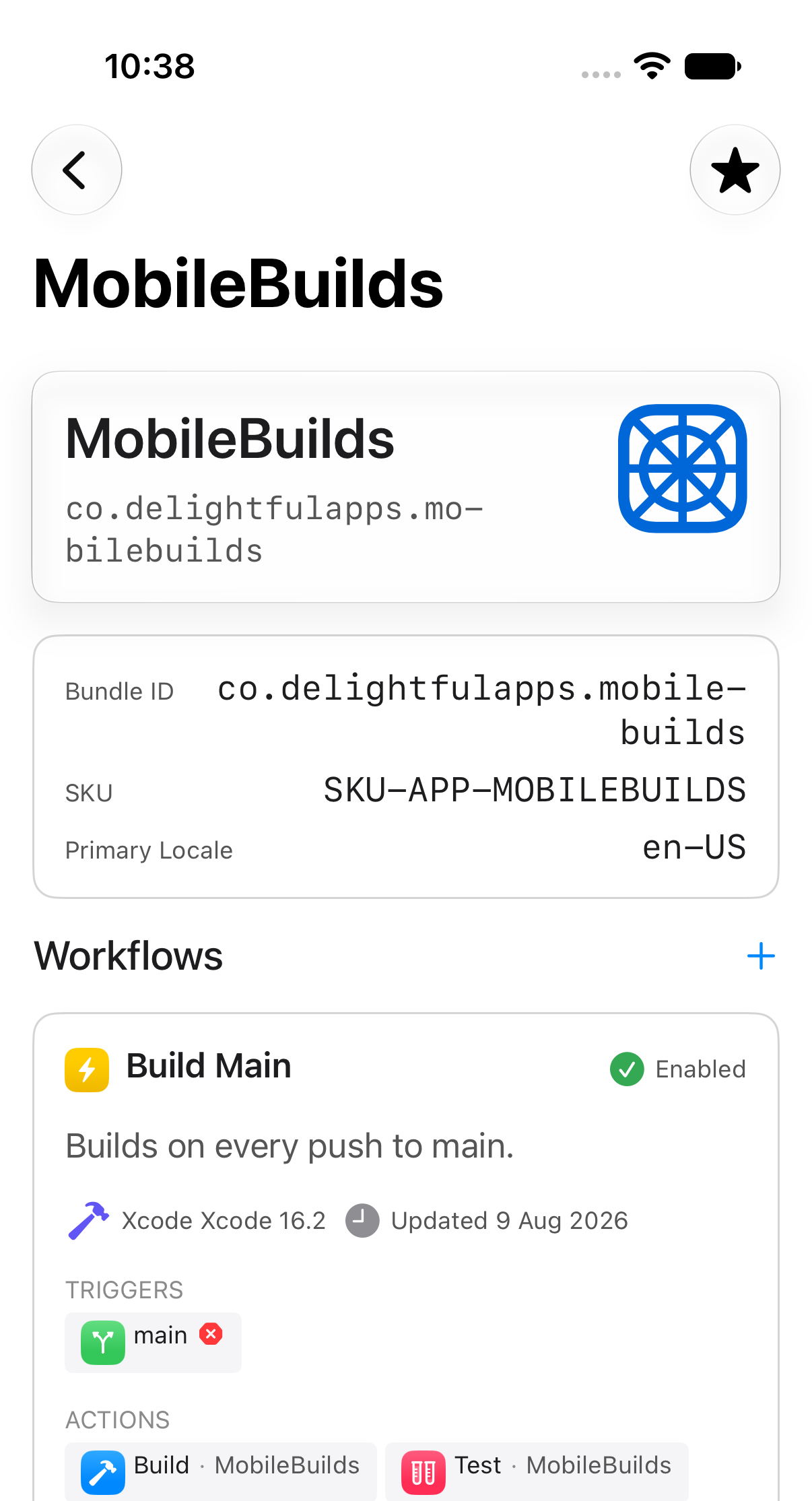
## Star an app
Open the app, then tap the star in the toolbar.
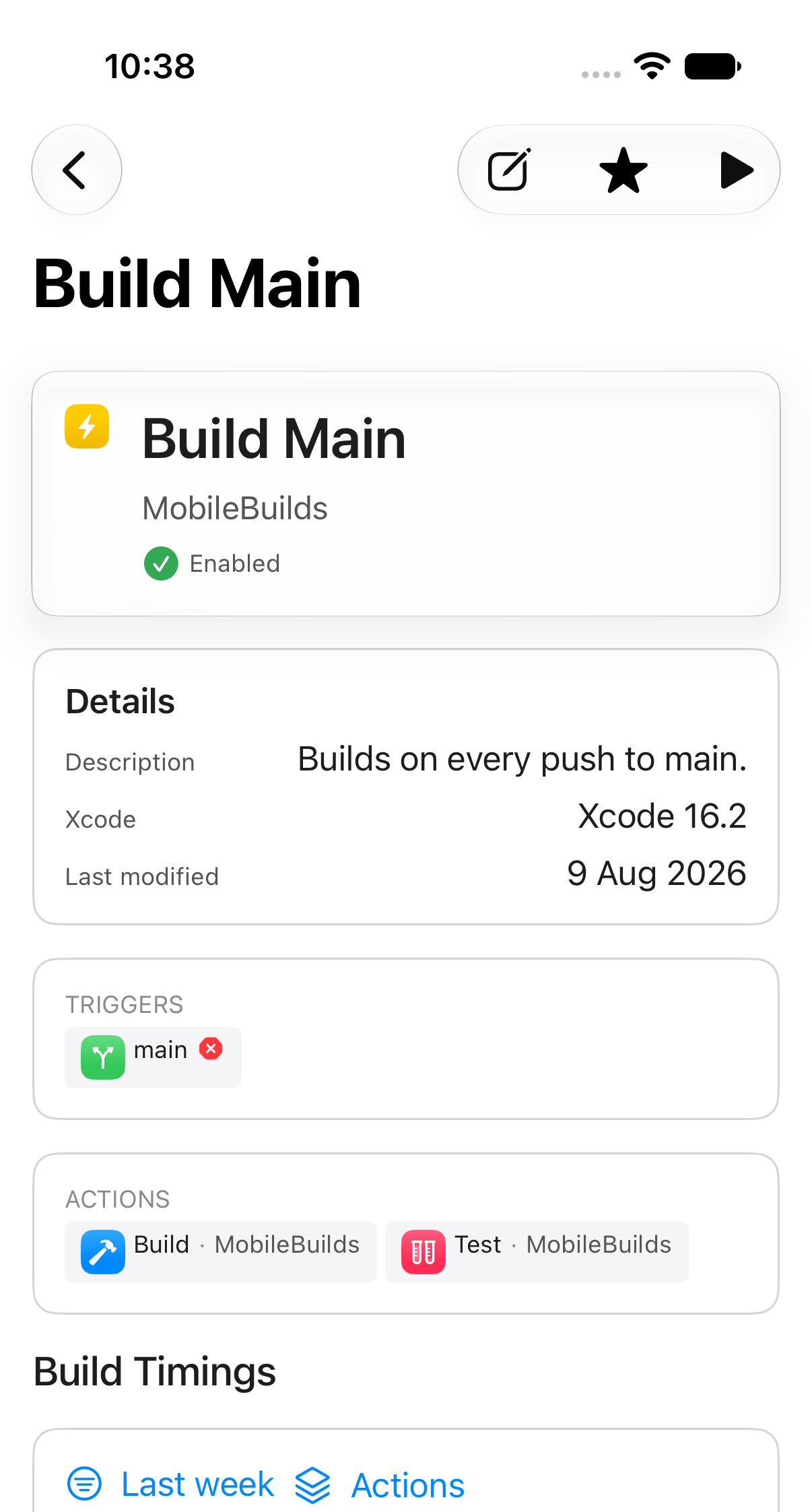
## Star a workflow
Same thing on workflow details.
Tap a filled star again to remove it.
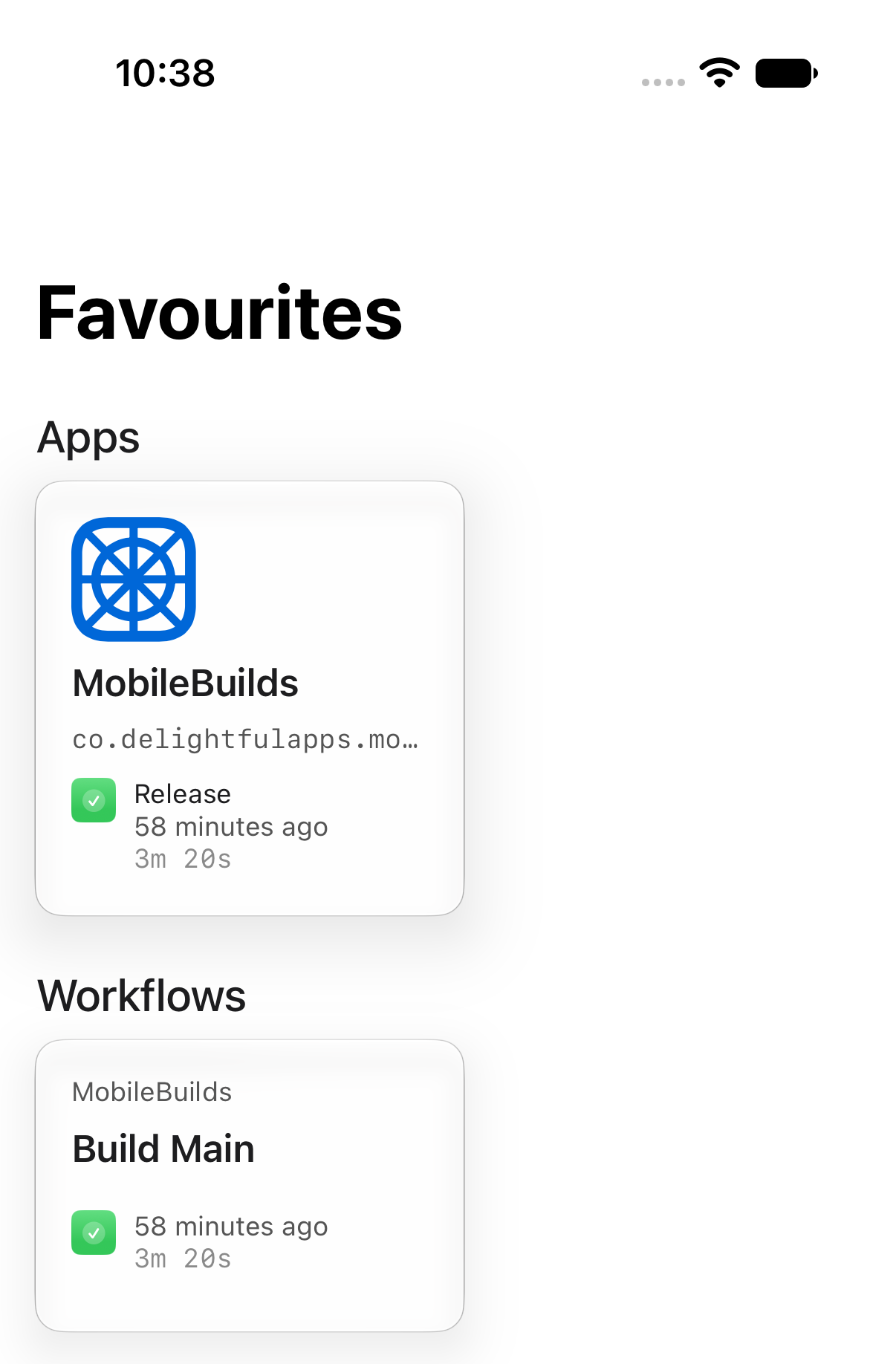
## Your favourites in one place
The **Favourites** tab keeps apps and workflows in separate sections, each card
showing its most recent run.
If a starred workflow is later deleted in App Store Connect, opening it says so
rather than failing quietly.
## Related
- [Browsing your apps and workflows](/guides/browsing-your-apps-and-workflows/)
- [Hiding apps you don't work on](/guides/hiding-apps-you-dont-work-on/)
---
Mobile Builds — https://mobilebuilds.app/
Site index for language models: https://mobilebuilds.app/llms.txt