# Starting a build from your phone
https://mobilebuilds.app/guides/starting-a-build-from-your-phone/
Last updated: 2026-08-16
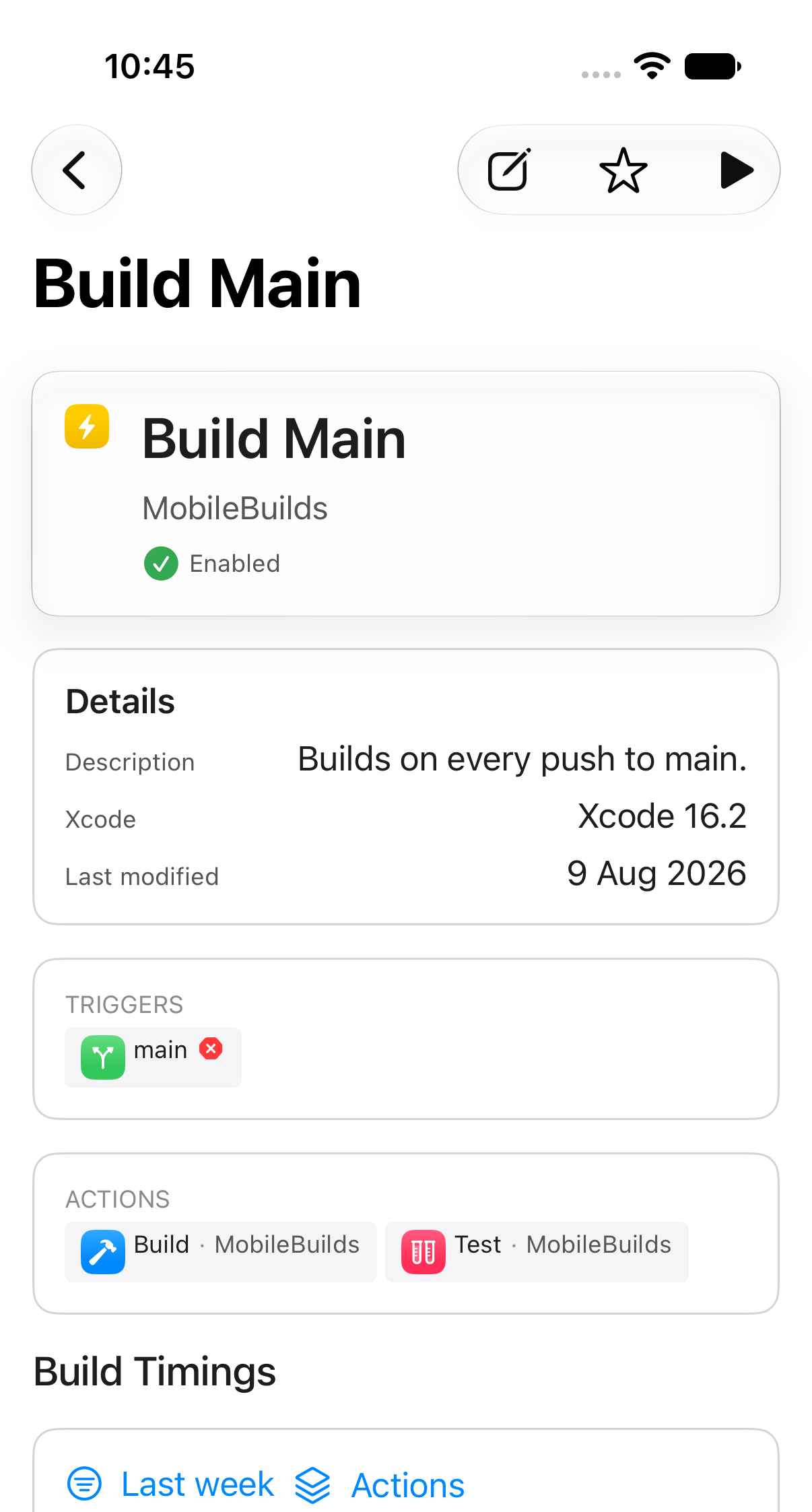
Any workflow can be run from its details screen. Mobile Builds queues the build
through App Store Connect, exactly as if you had started it from Xcode Cloud.
## Find the workflow
Open the **Apps** tab, pick your app, then tap the workflow. The **New Run**
button is in the toolbar.
## Start the run
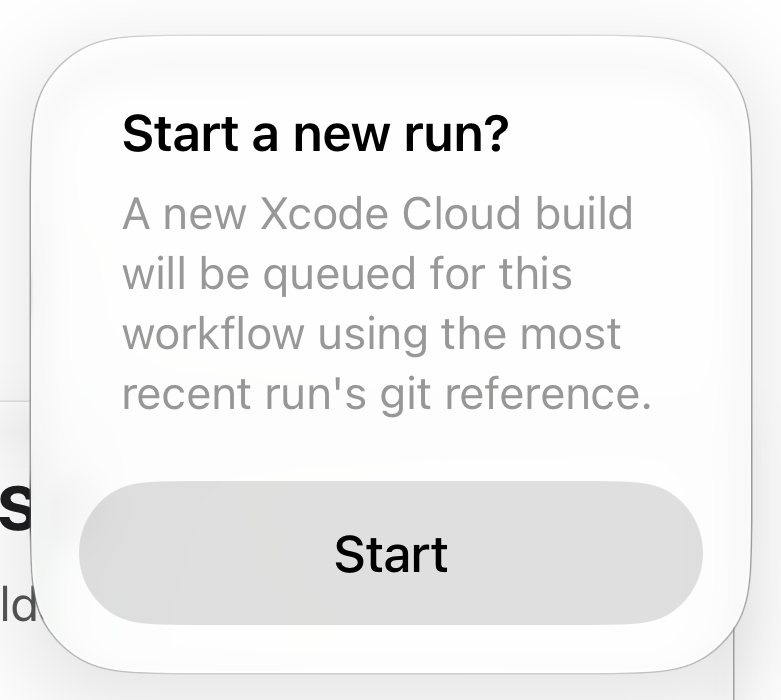
What happens next depends on whether Mobile Builds can work out which branch to
build.
### When the workflow has run before
The git reference from the most recent run is reused, and you just confirm.
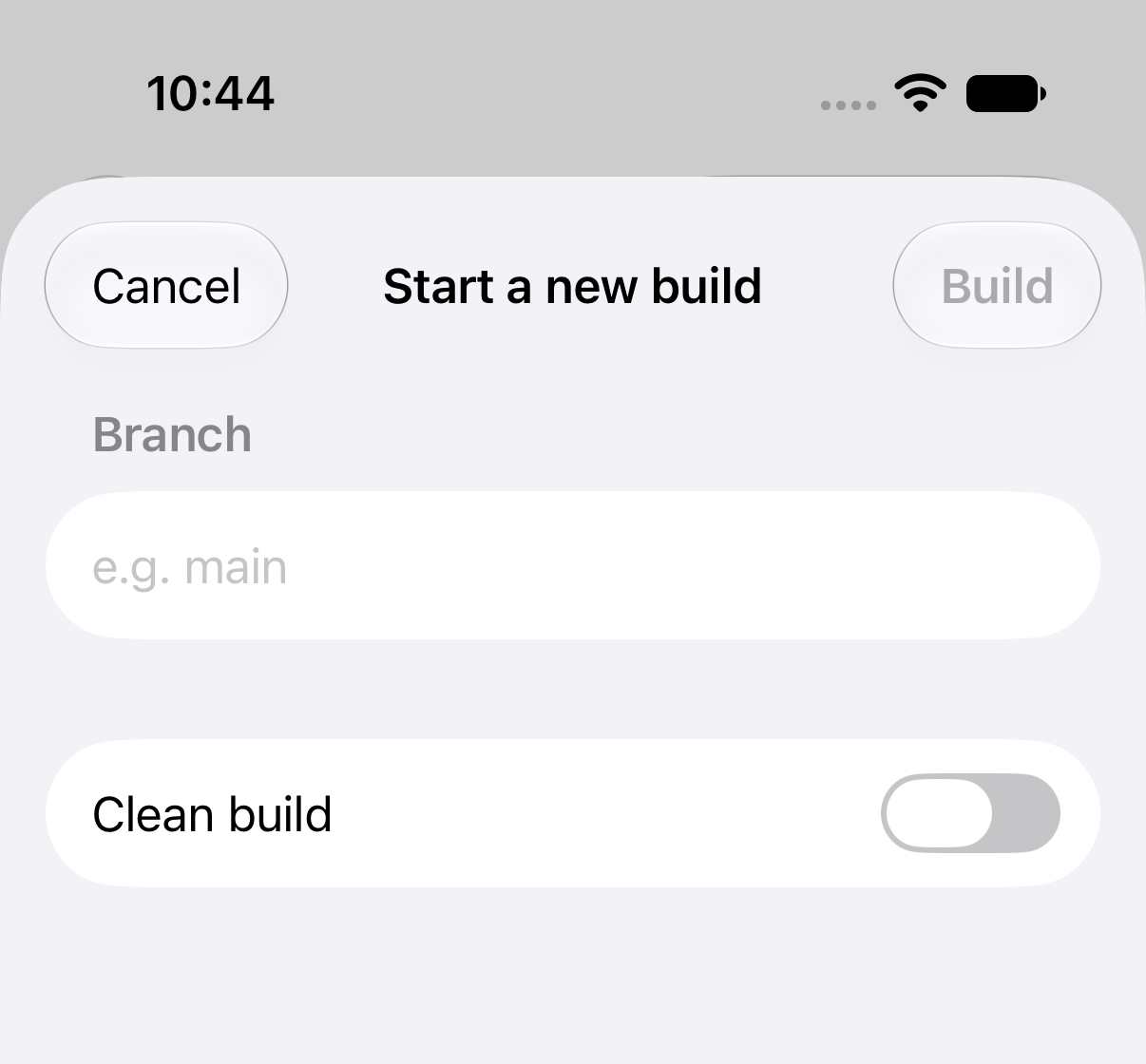
### When there is nothing to reuse
You are asked for a branch instead.
- **Build** stays dimmed until you type a branch name.
- **Clean build** discards Xcode Cloud's cached derived data for this run.
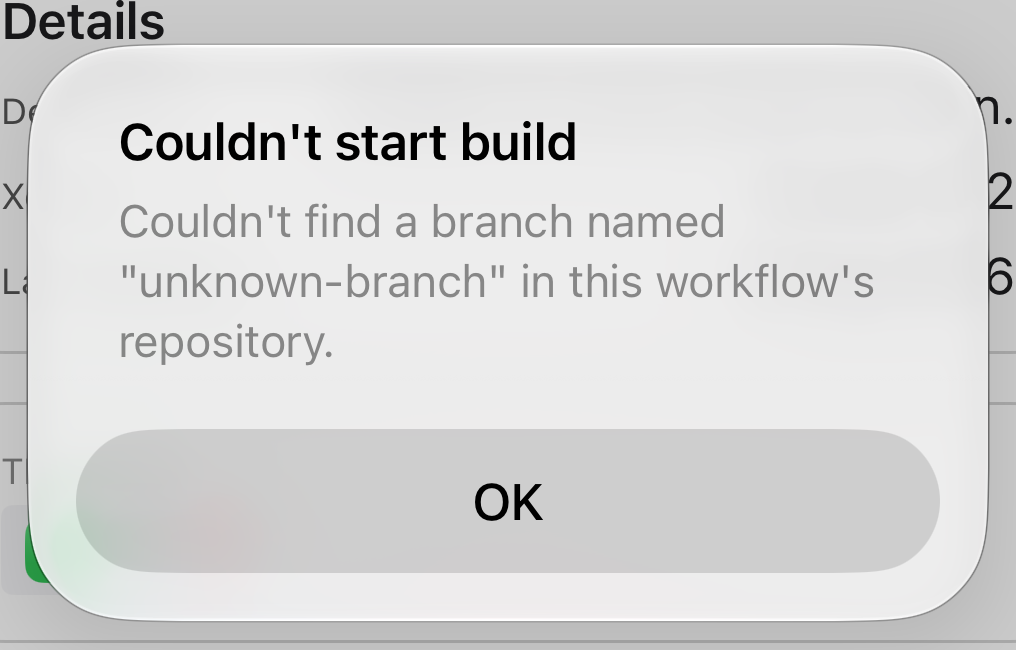
## If the branch can't be found
Xcode Cloud only accepts branches it can resolve in the connected repository.
Check the spelling, and that the branch has been pushed.
## Related
- [Re-running a failed build](/guides/re-running-a-failed-build/)
- [Reading a build run](/guides/reading-a-build-run/)
---
Mobile Builds — https://mobilebuilds.app/
Site index for language models: https://mobilebuilds.app/llms.txt