Downloading build artifacts and logs
Last updated
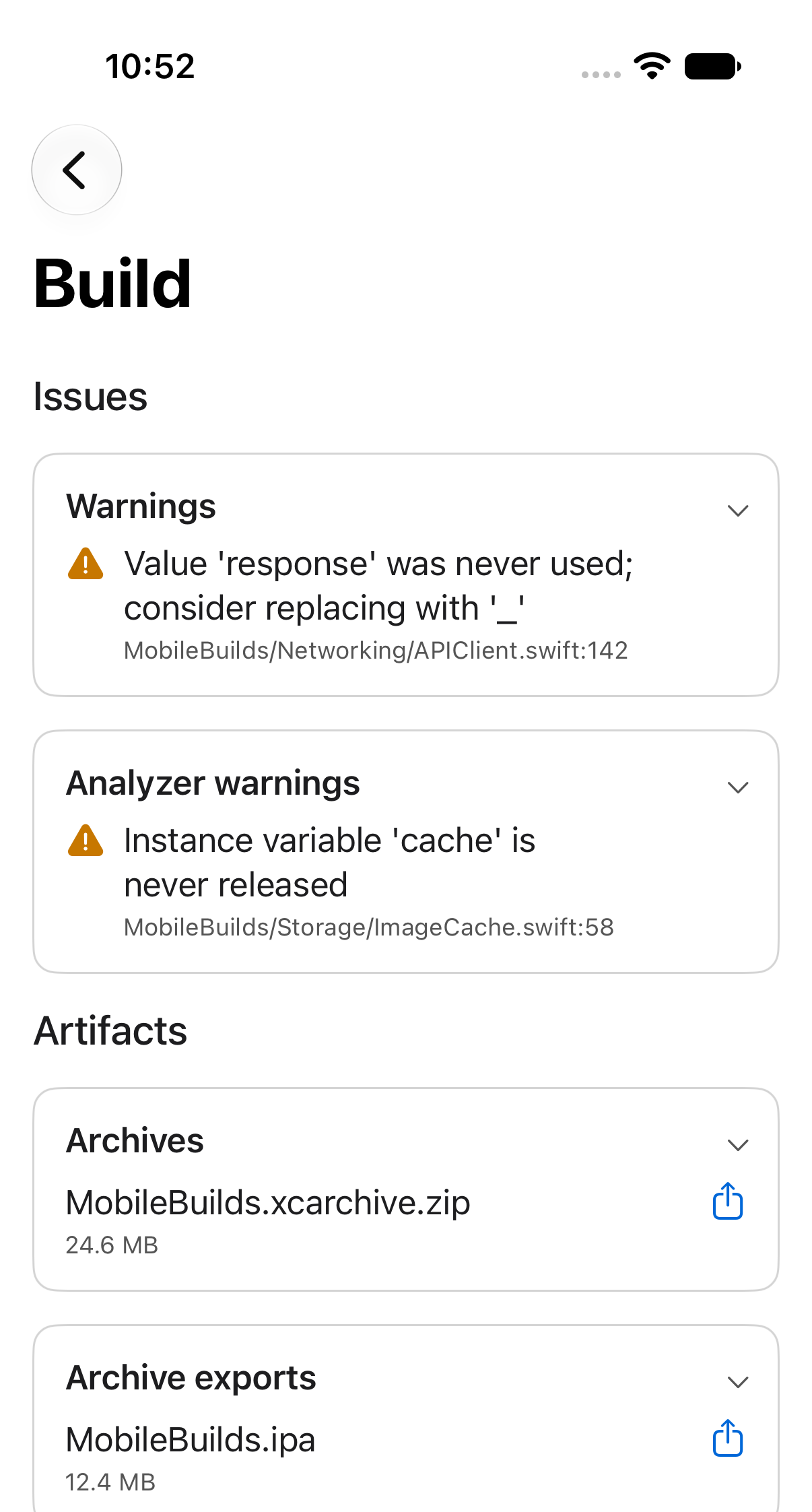
Every build action keeps whatever Xcode Cloud produced. Open a run, tap an action, and scroll to Artifacts.
What's in there
Artifacts are grouped by kind, so you can go straight to the one you want.
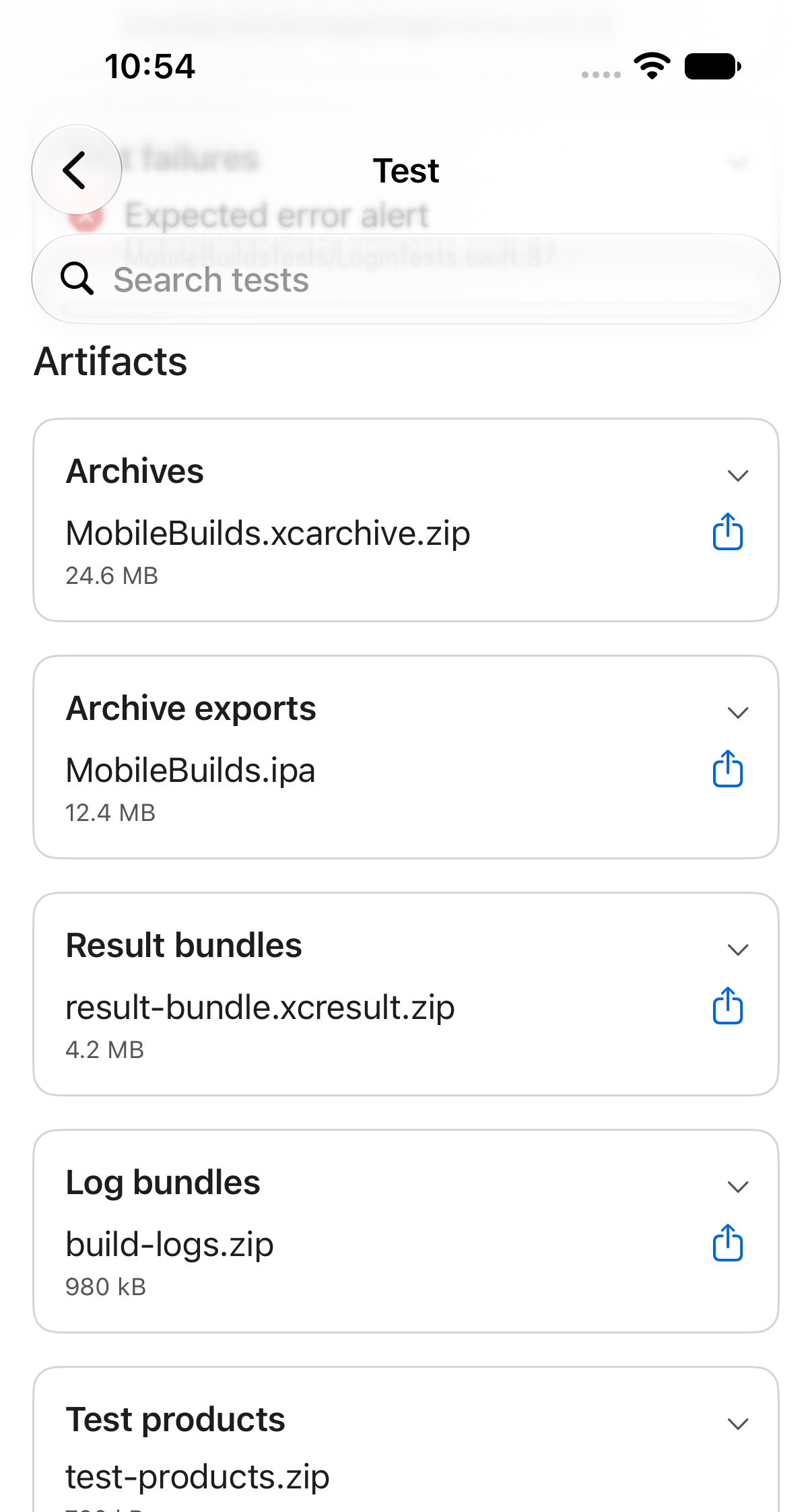
Alongside those you may see stapled notarized archives and xcodebuild products, depending on what the action ran. Tap a group to expand it.
Share an artifact
Each artifact row has a share button. It hands the download URL to the system share sheet, so you can AirDrop it to your Mac, save it to Files, or send it on to whoever needs it.
On a test action the artifacts sit below the test results, so scroll past the tests to reach them.