Reading a build run
Last updated
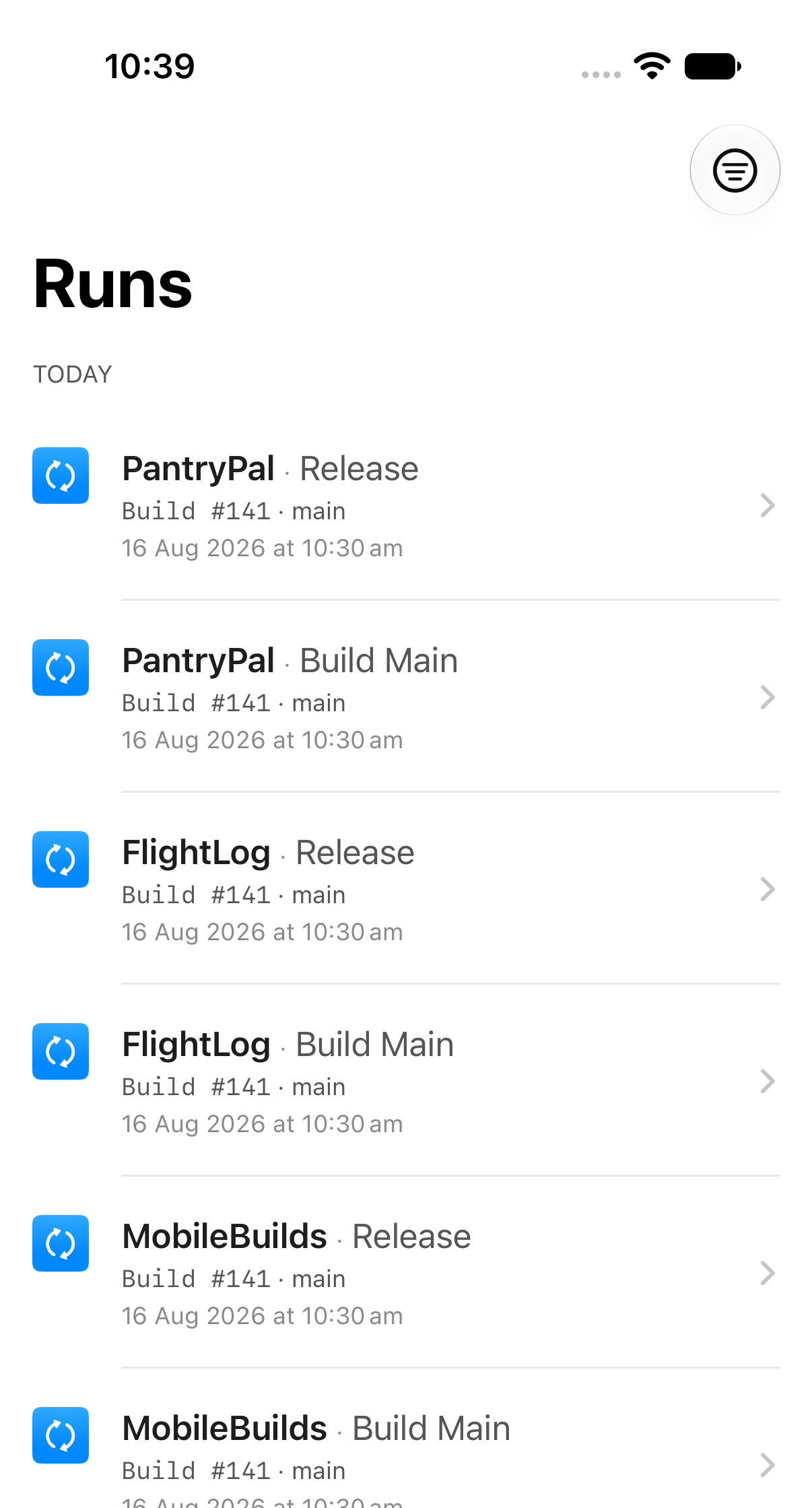
The Runs tab pulls together build runs from every workflow on every app, in one list grouped by day.
Look further back
Tap the range button in the toolbar. Your choice is remembered.
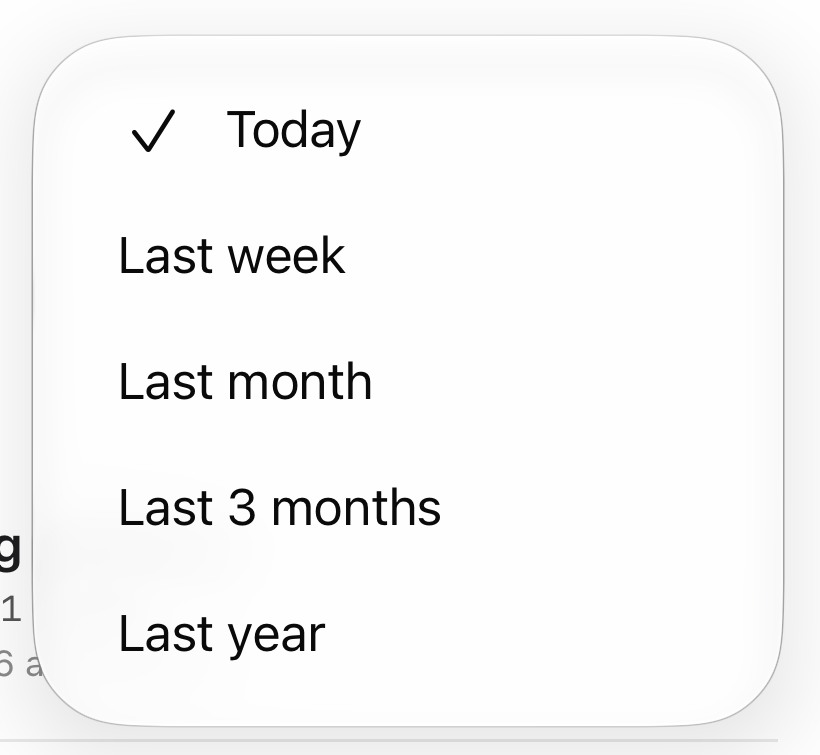
Today is always available. The longer ranges need Mobile Builds+.
Open a run
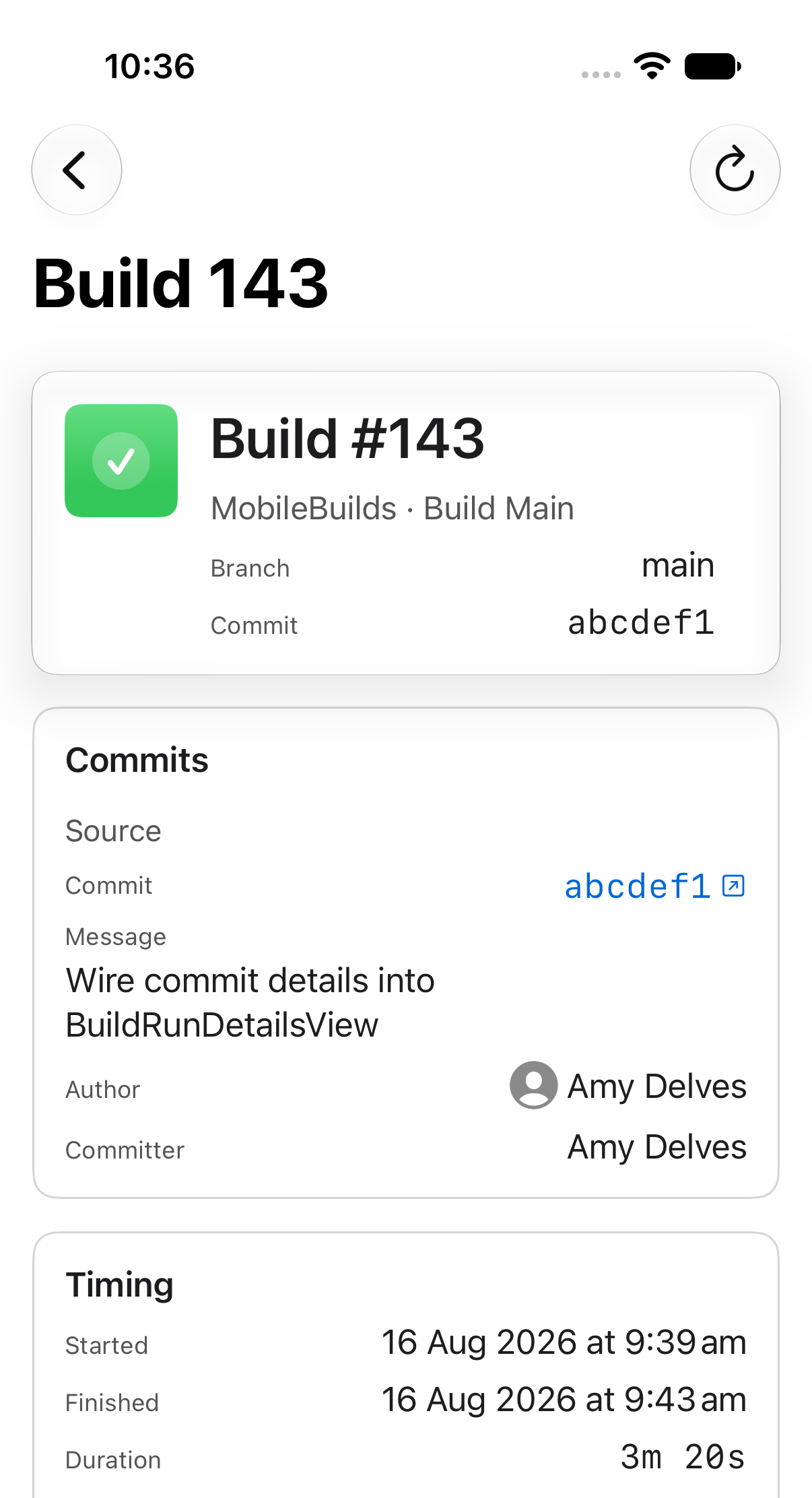
A run's details are split into four cards:
- Header — build number, branch and commit.
- Commits — the source commit's message, author and committer, plus a destination commit on pull request builds.
- Timing — when it started and finished, how long it took, and why it ran: manual, a git reference change, a pull request, or a schedule.
- Actions — one row per action, with its duration and any errors, warnings, analyzer warnings or test failures.
Tap an action row to see its test results, issues and artifacts.