Finding a failing test
Last updated
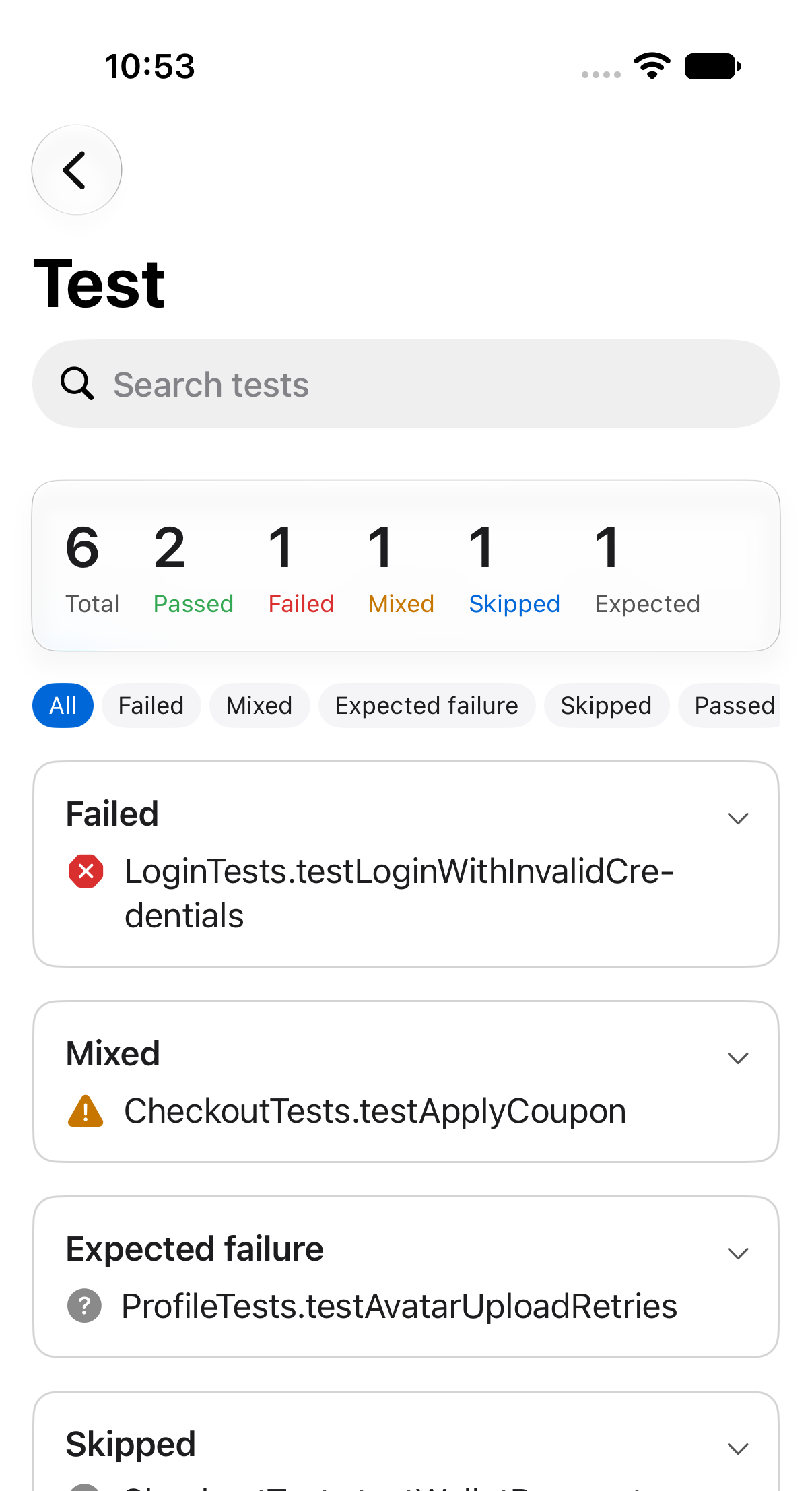
Open a build run, then tap its test action. A search field sits at the top, the summary counts every result, and the list below shows them grouped.
Filter by status
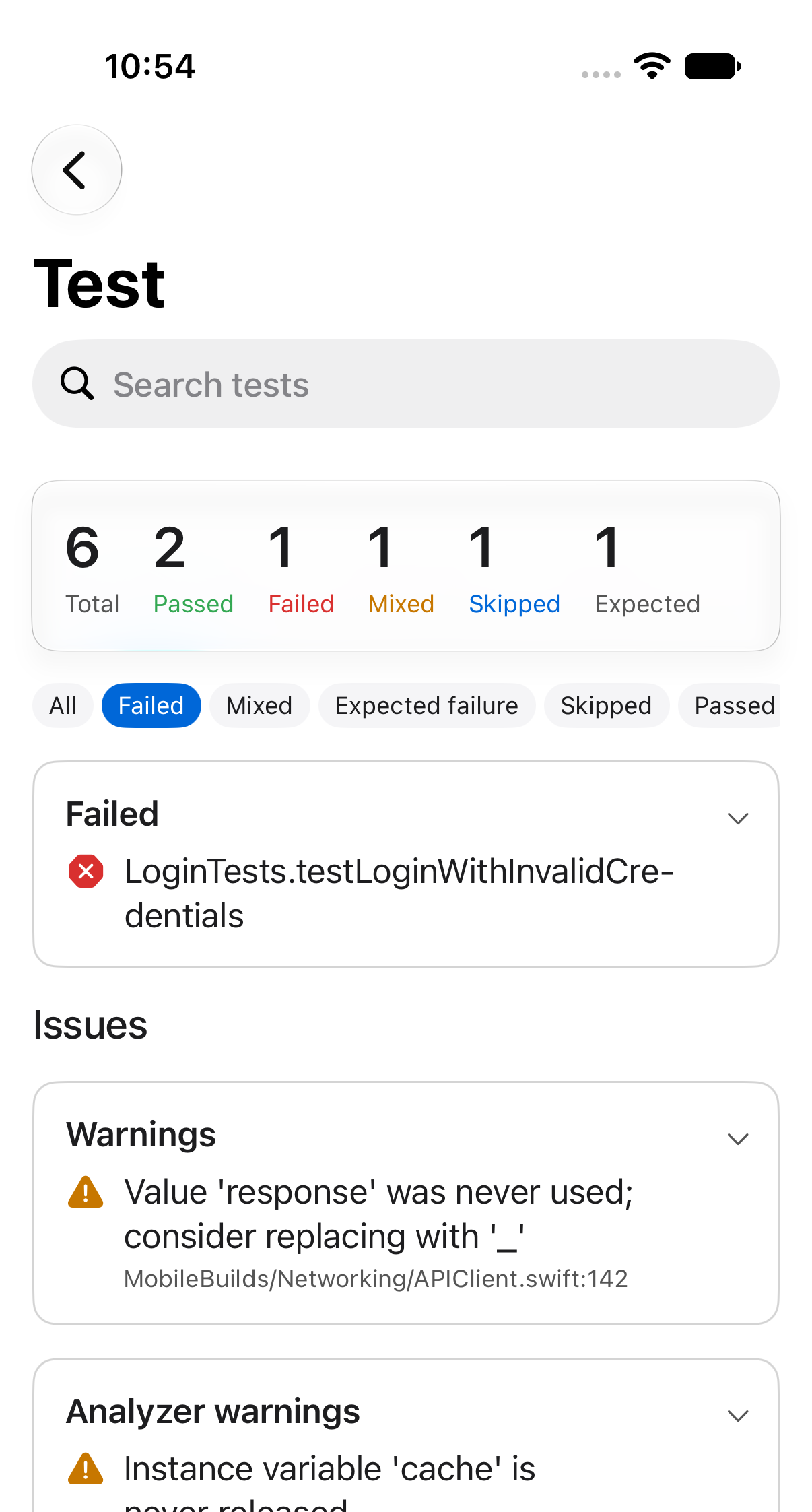
The chips under the summary narrow the list: All, Failed, Mixed, Expected failure, Skipped, Passed.
Search by name
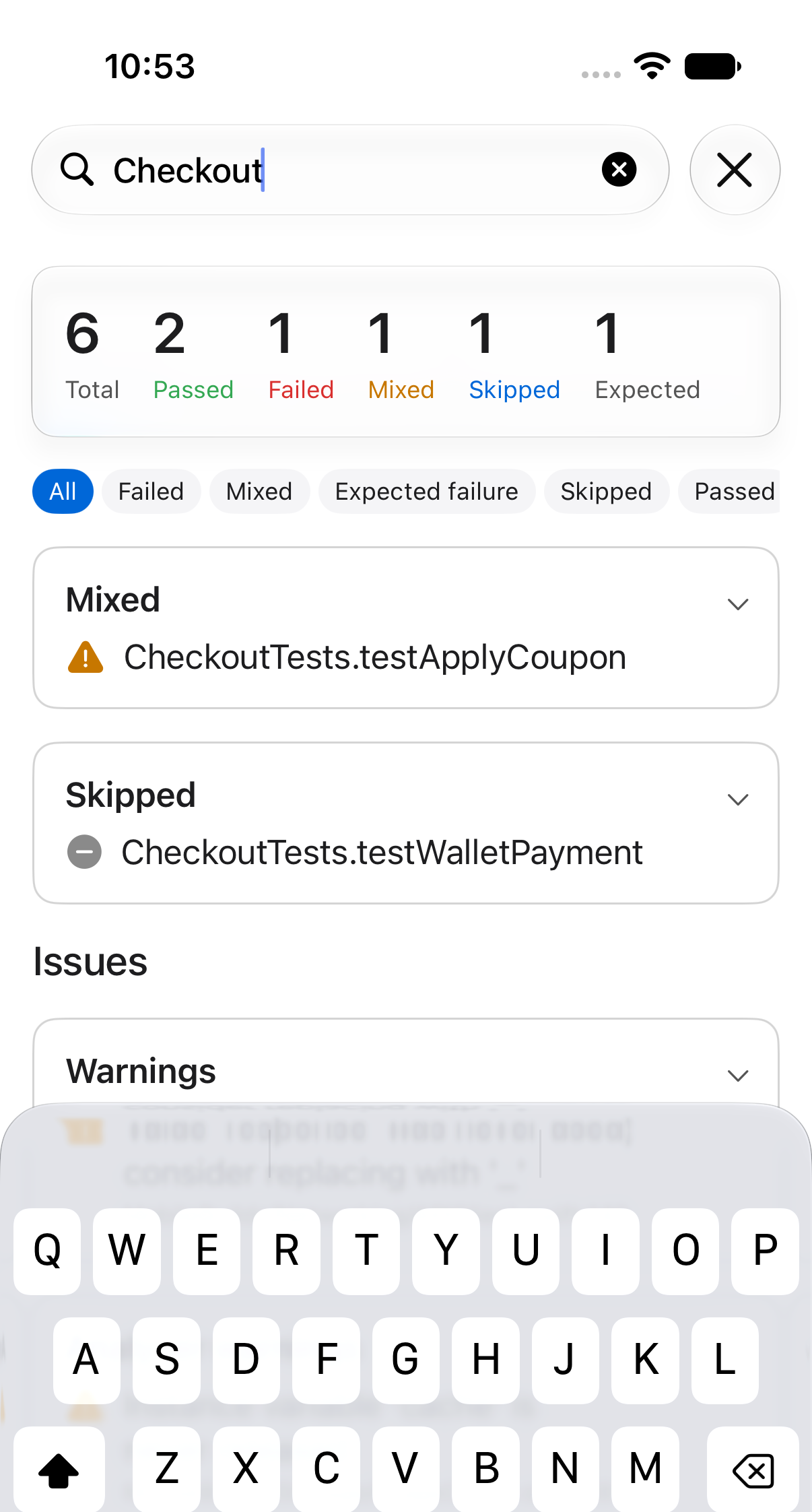
Type into the search field to match test and suite names.
Filters and search stack. If a combination matches nothing you'll get an empty card with a Clear filters button.
Errors and warnings
Below the results, the Issues section groups everything the action reported such as errors, warnings, analyzer warnings and test failures. All so you can read a compiler error without leaving the run.