Hiding apps you don't work on
Last updated
An App Store Connect account with twenty products makes for a long Apps tab. The Apps filter cuts it down to the ones you care about, and the Runs tab follows.
The filter is part of Mobile Builds+.
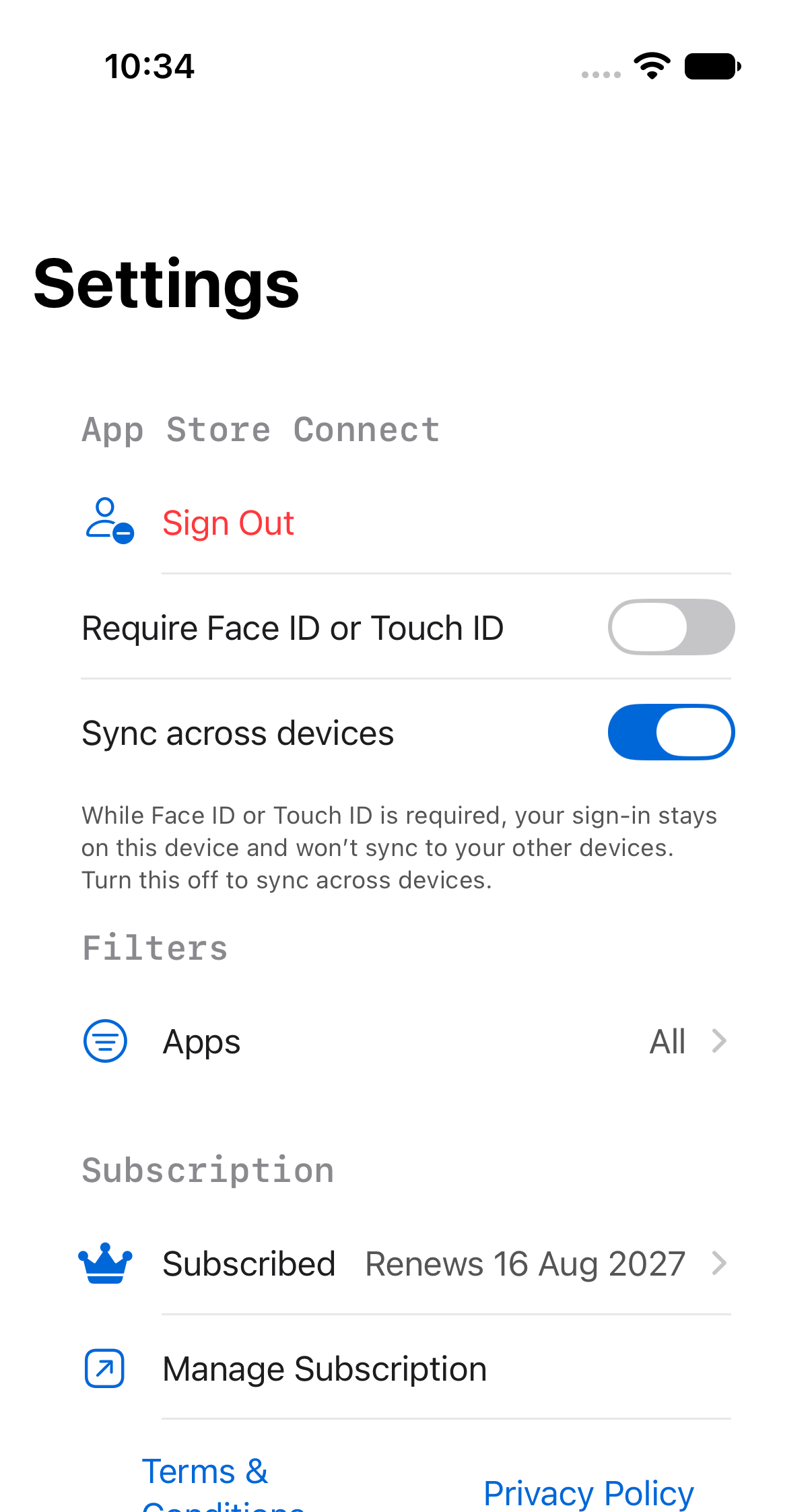
Open the filter
Settings → Filters → Apps. The row shows what's active: "All", or a count.
Pick your apps
Turn on the ones you want to see.
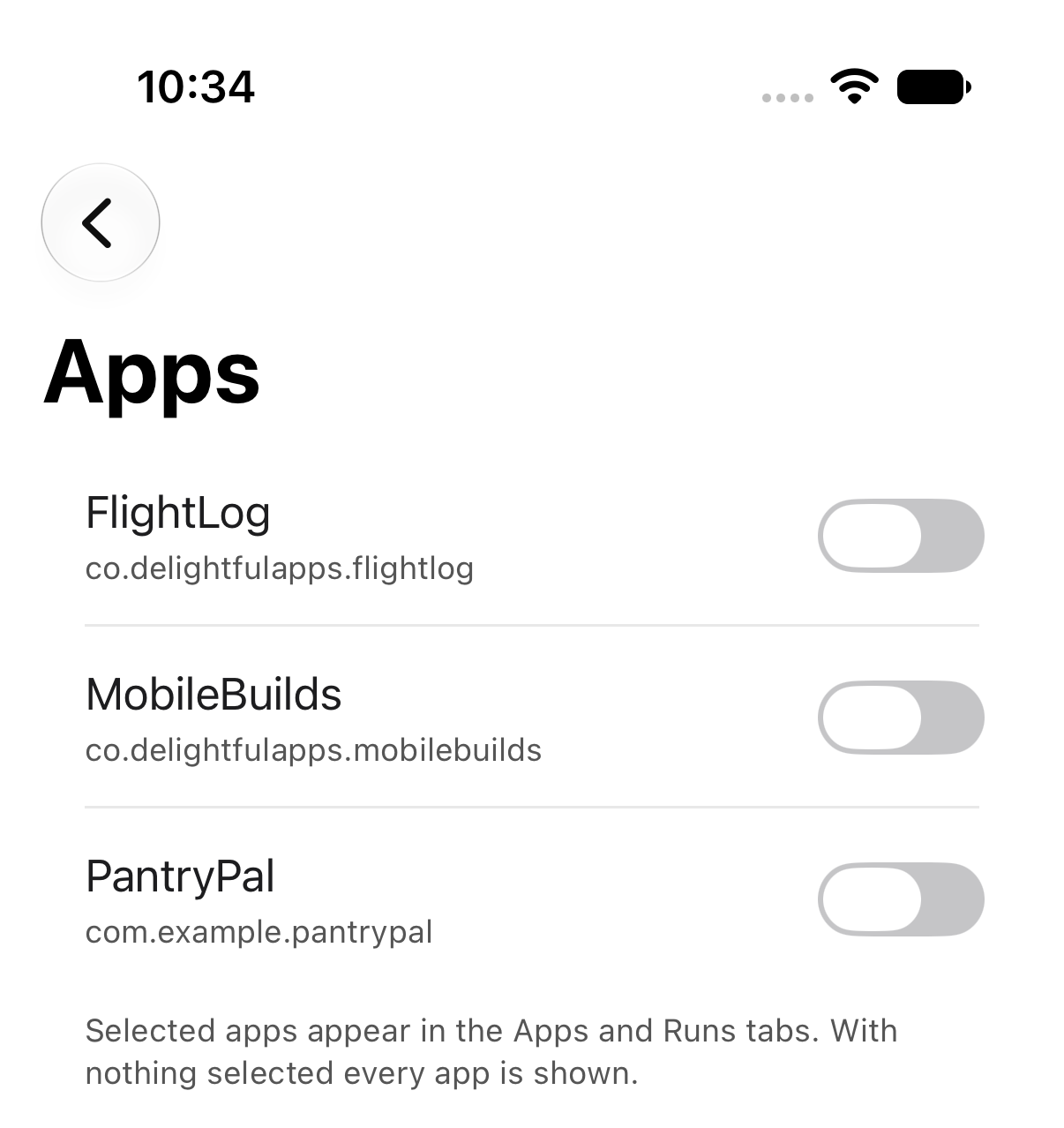
With nothing selected, every app is shown — so an empty selection and selecting everything come to the same thing.
The result
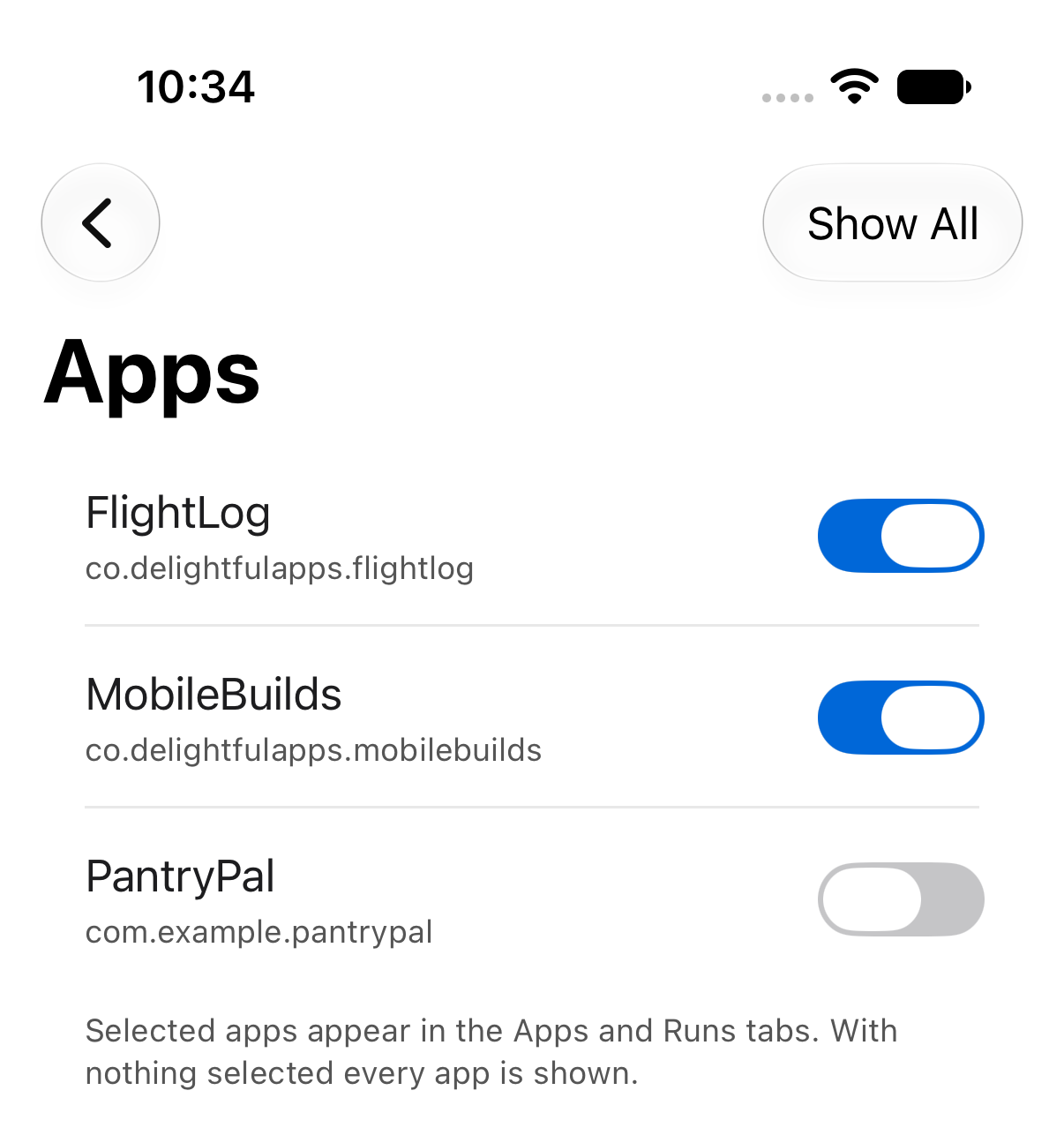
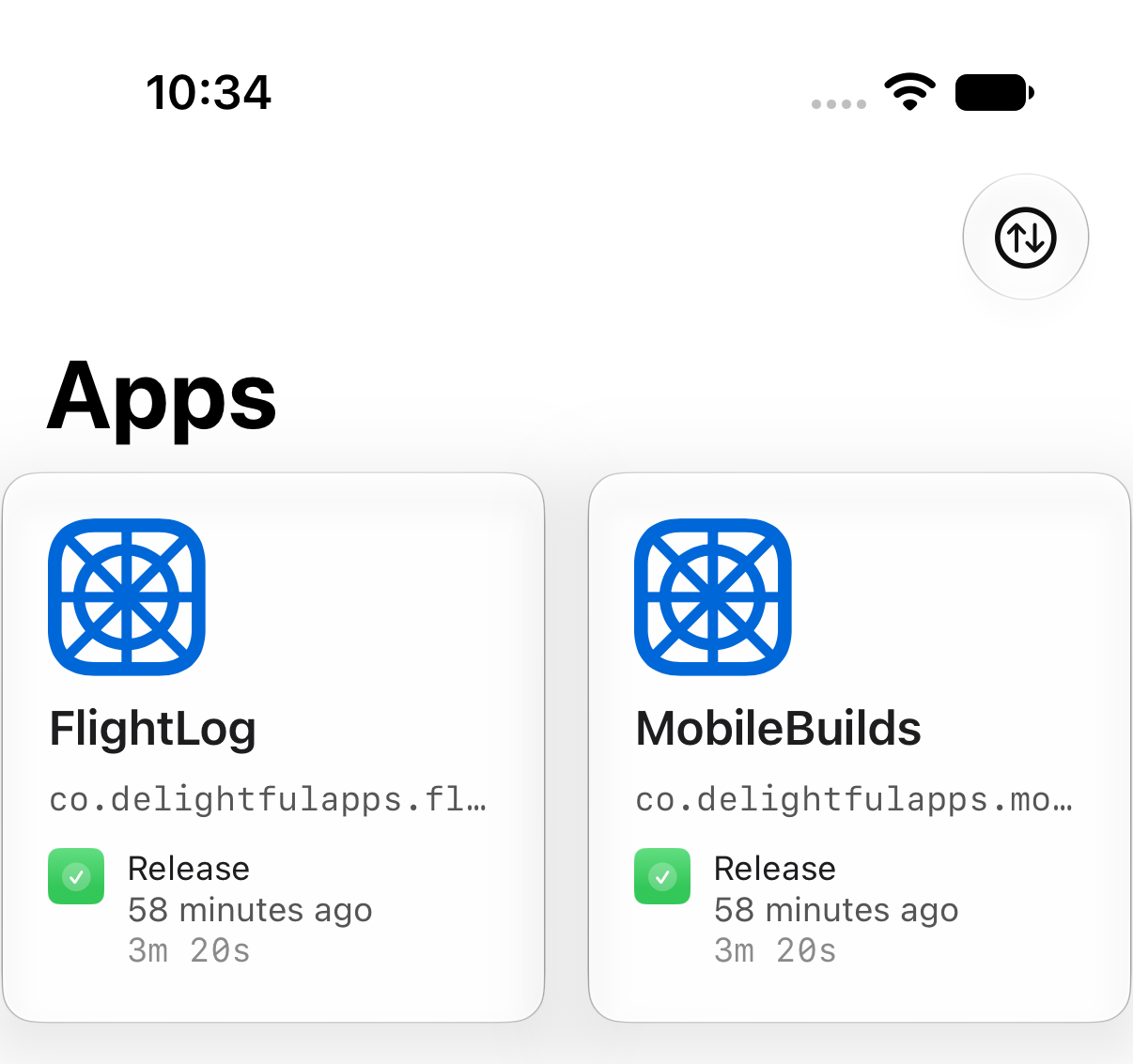
Both the Apps and Runs tabs now only show the apps you picked.
To undo it, tap Show All in the picker's toolbar.
If the picker says it can't list your apps, open the Apps tab once. The filter reads from what's already loaded rather than fetching afresh.