Starring apps and workflows
Last updated
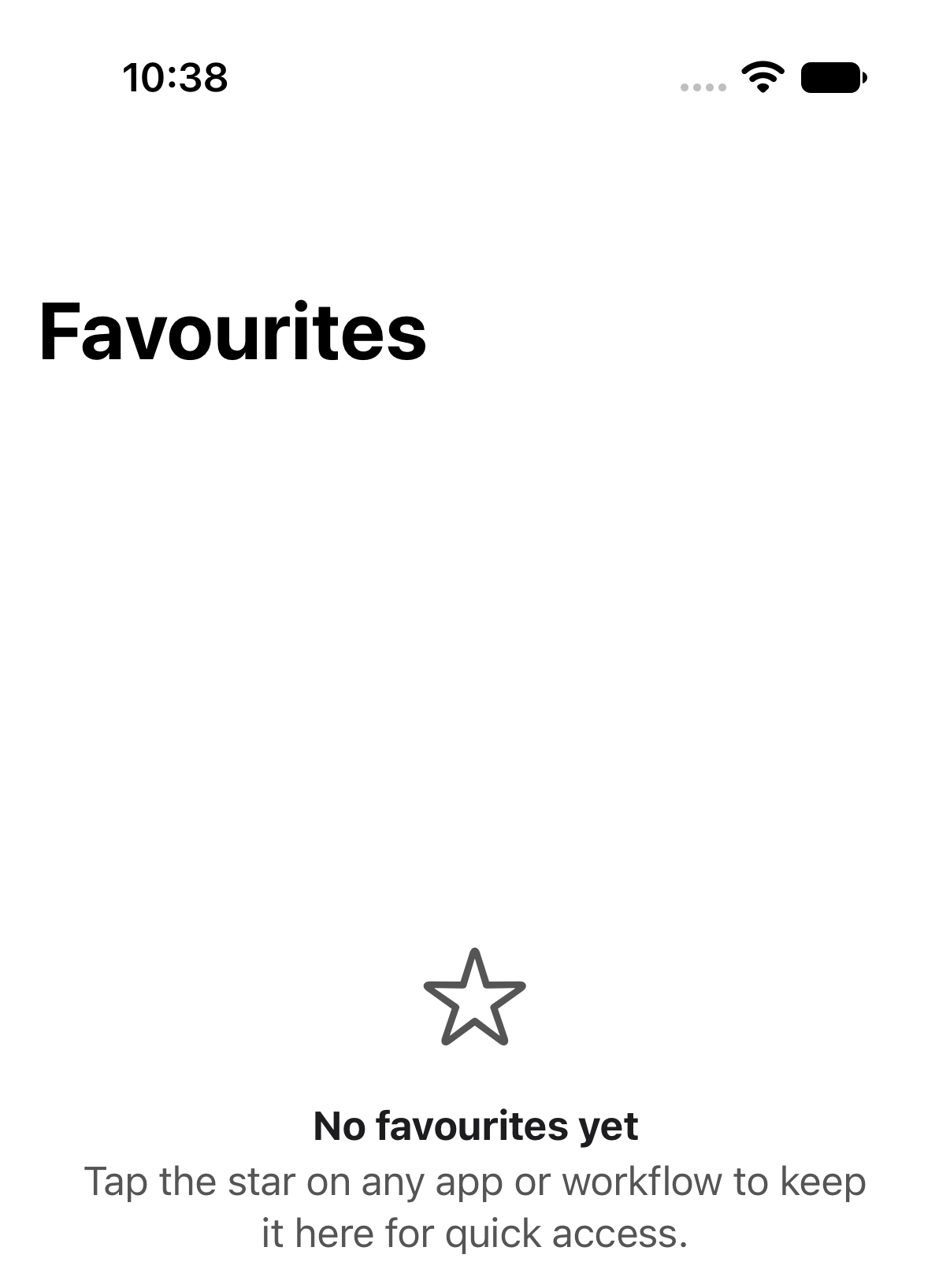
If you only really watch two of your twelve workflows, star them. The Favourites tab collects them so you don't have to dig.
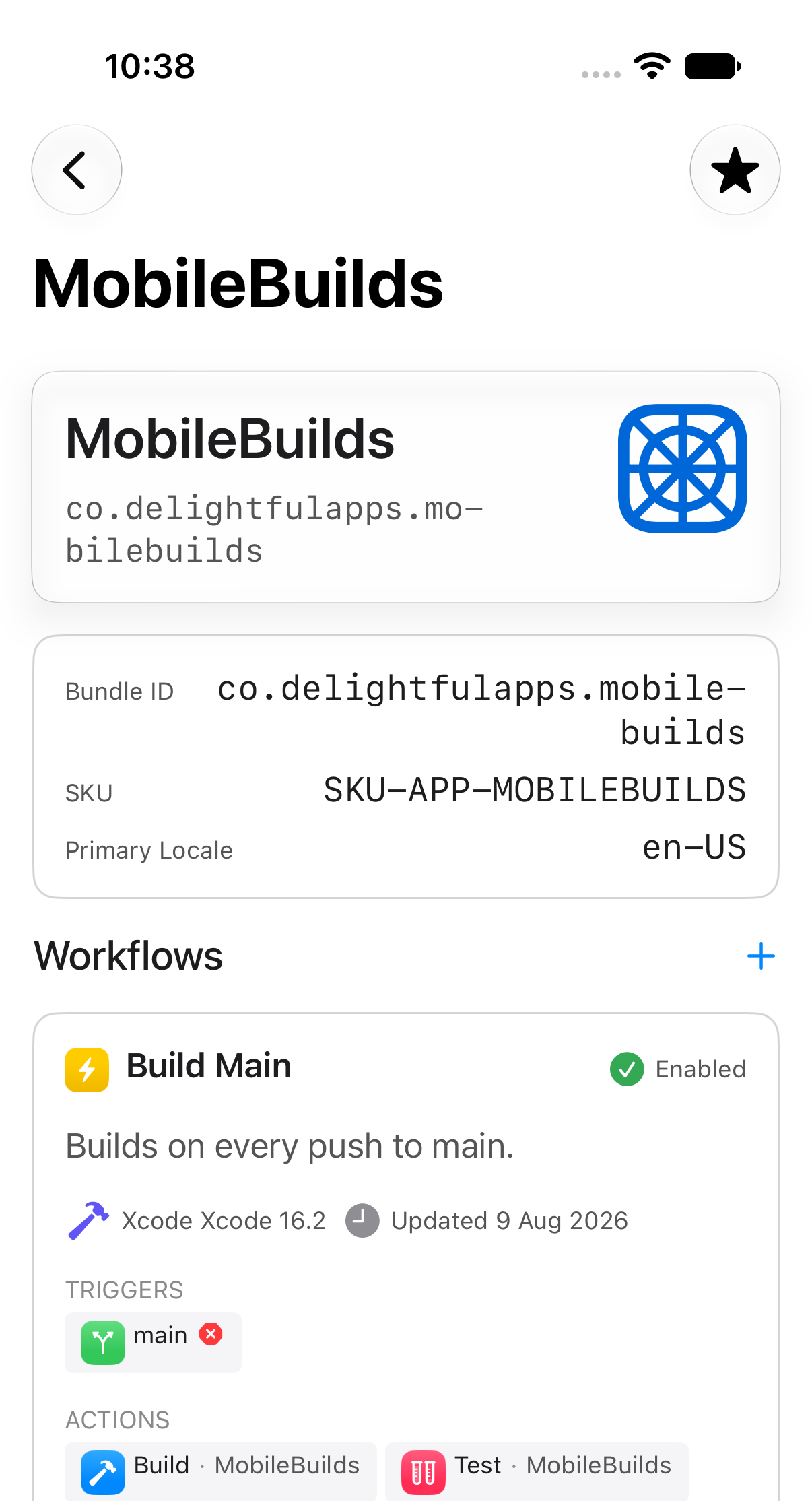
Star an app
Open the app, then tap the star in the toolbar.
Star a workflow
Same thing on workflow details.
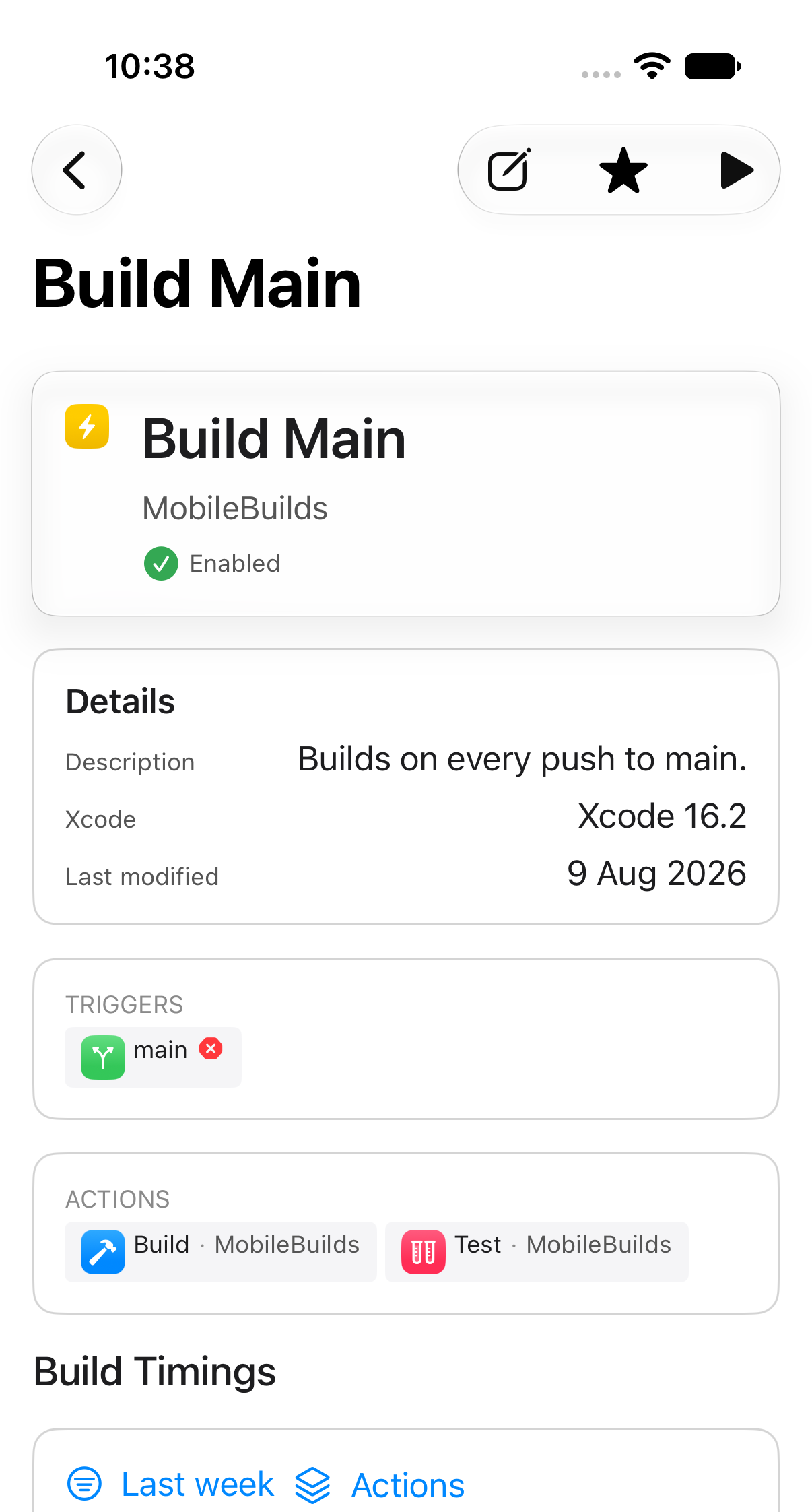
Tap a filled star again to remove it.
Your favourites in one place
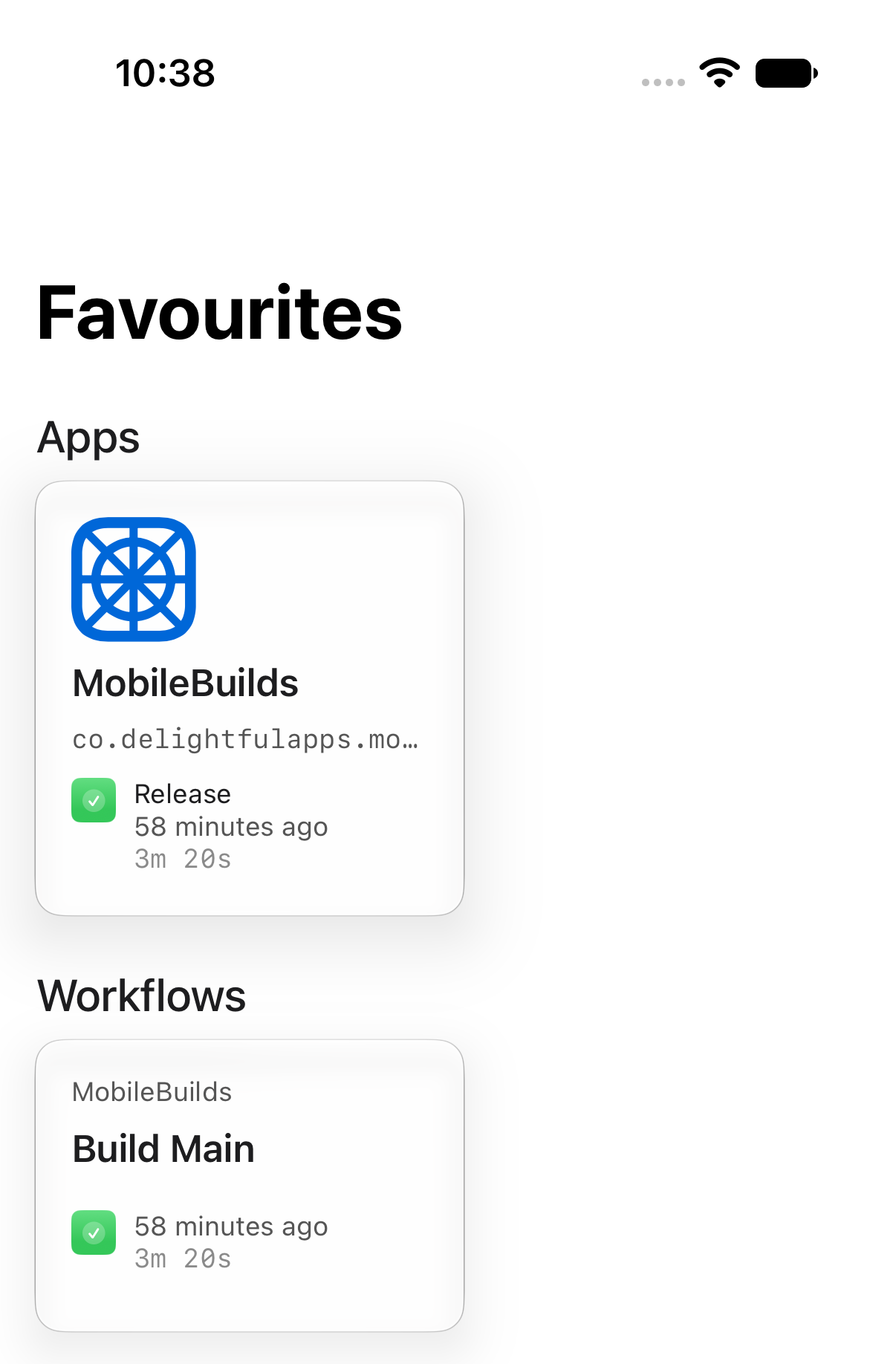
The Favourites tab keeps apps and workflows in separate sections, each card showing its most recent run.
If a starred workflow is later deleted in App Store Connect, opening it says so rather than failing quietly.