Browsing your apps and workflows
Last updated
The Apps tab is where everything starts. It lists every Xcode Cloud product on your App Store Connect account, each card showing its most recent run.
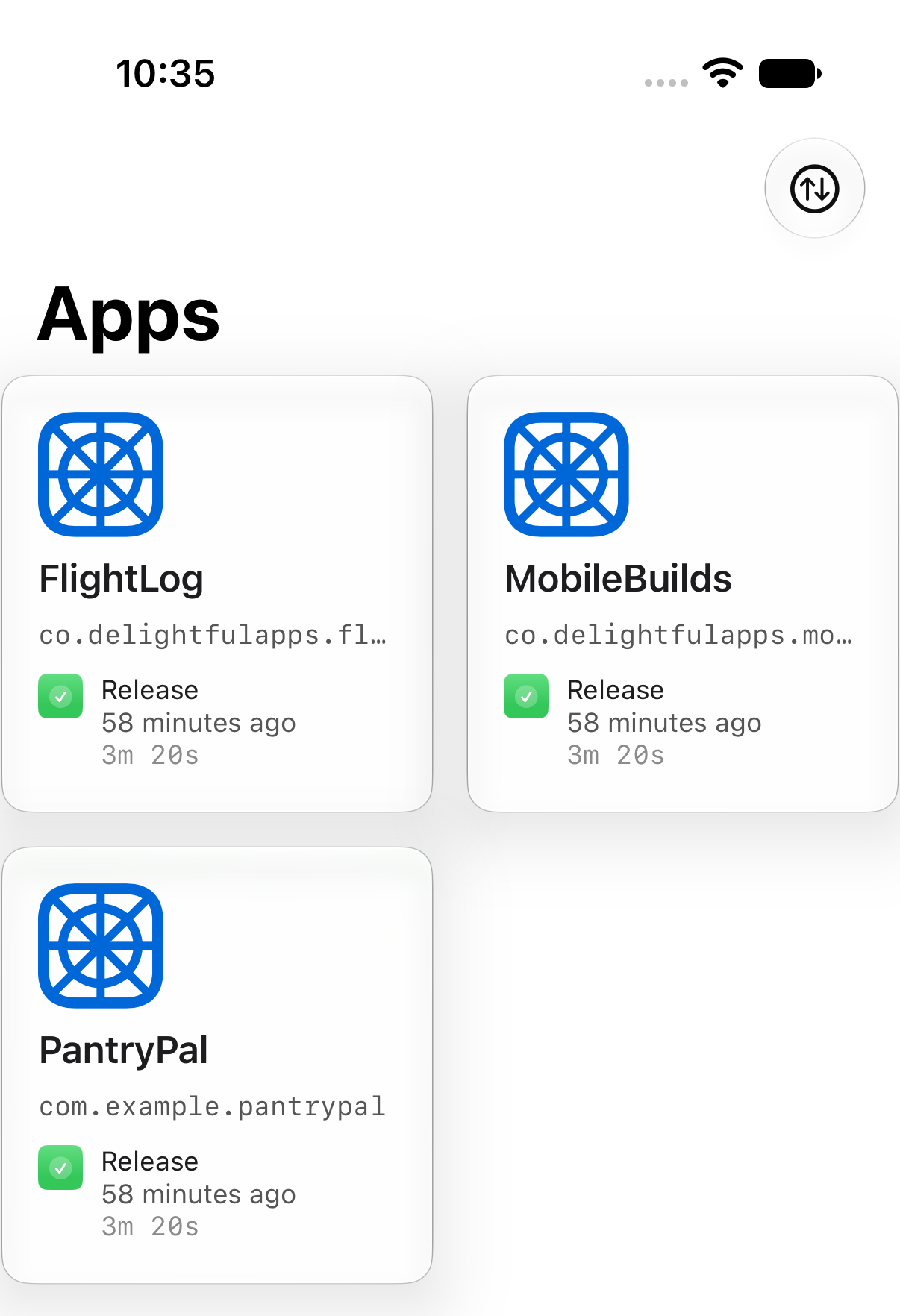
Pull down to refresh at any time.
Change the order
Tap the sort button in the toolbar.
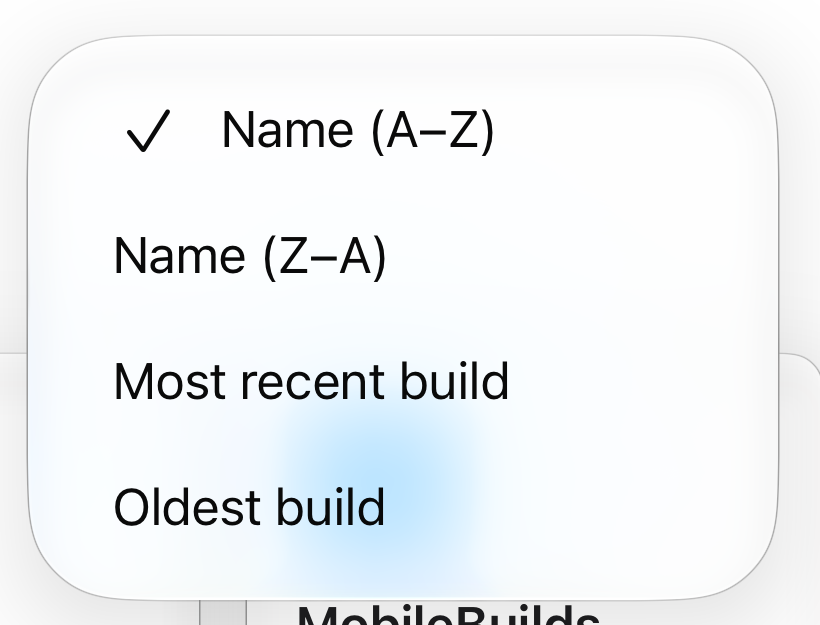
Name (A–Z) is always available. The other three orders need Mobile Builds+.
Open an app
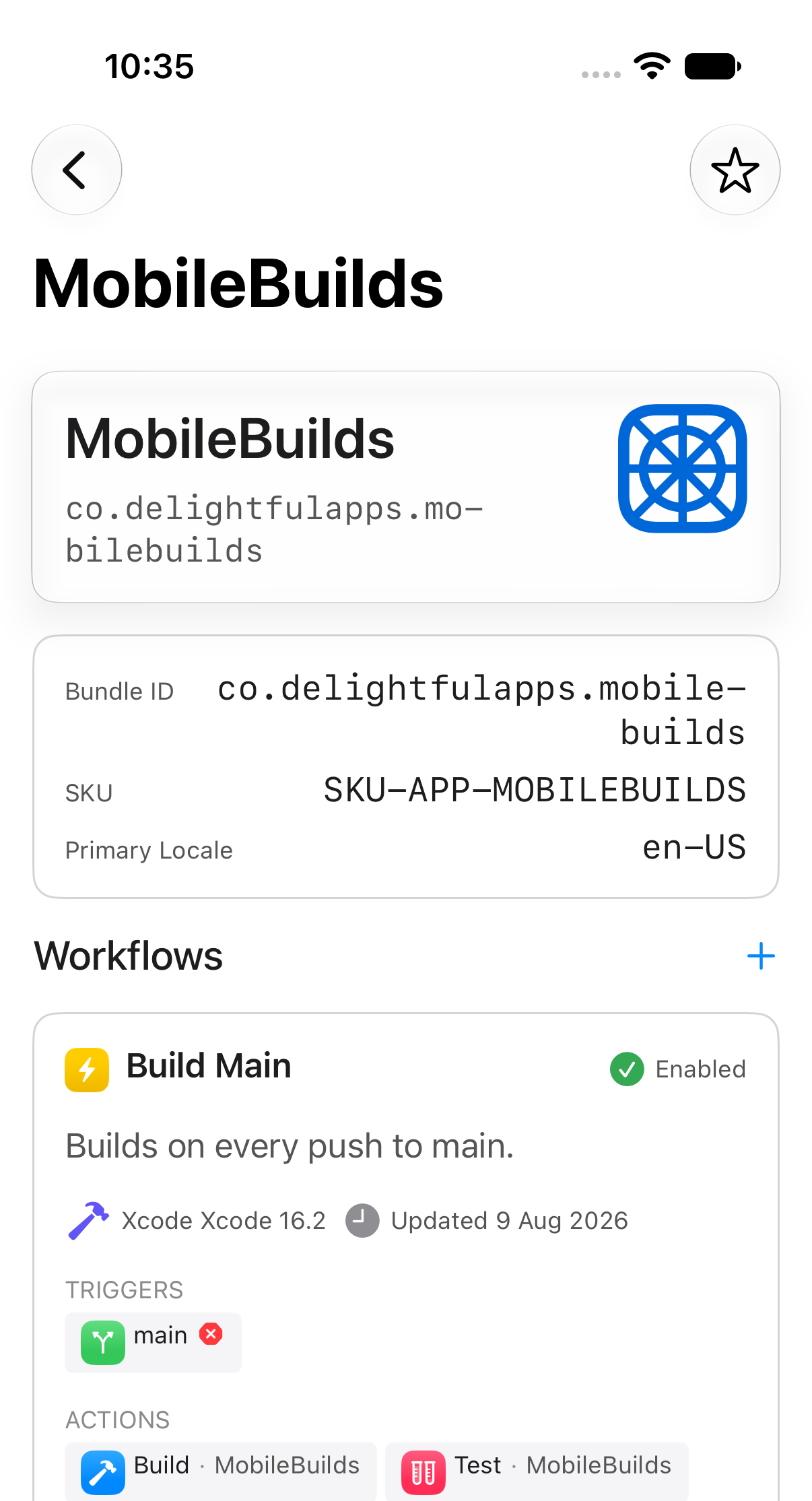
Tapping a card shows its bundle ID, SKU and primary locale, then every workflow attached to it. Each workflow card tells you whether it's enabled, what triggers it, and which Xcode version it uses.
Open a workflow
Workflow details gathers its configuration, a Build Timings chart, and its recent builds in one place.
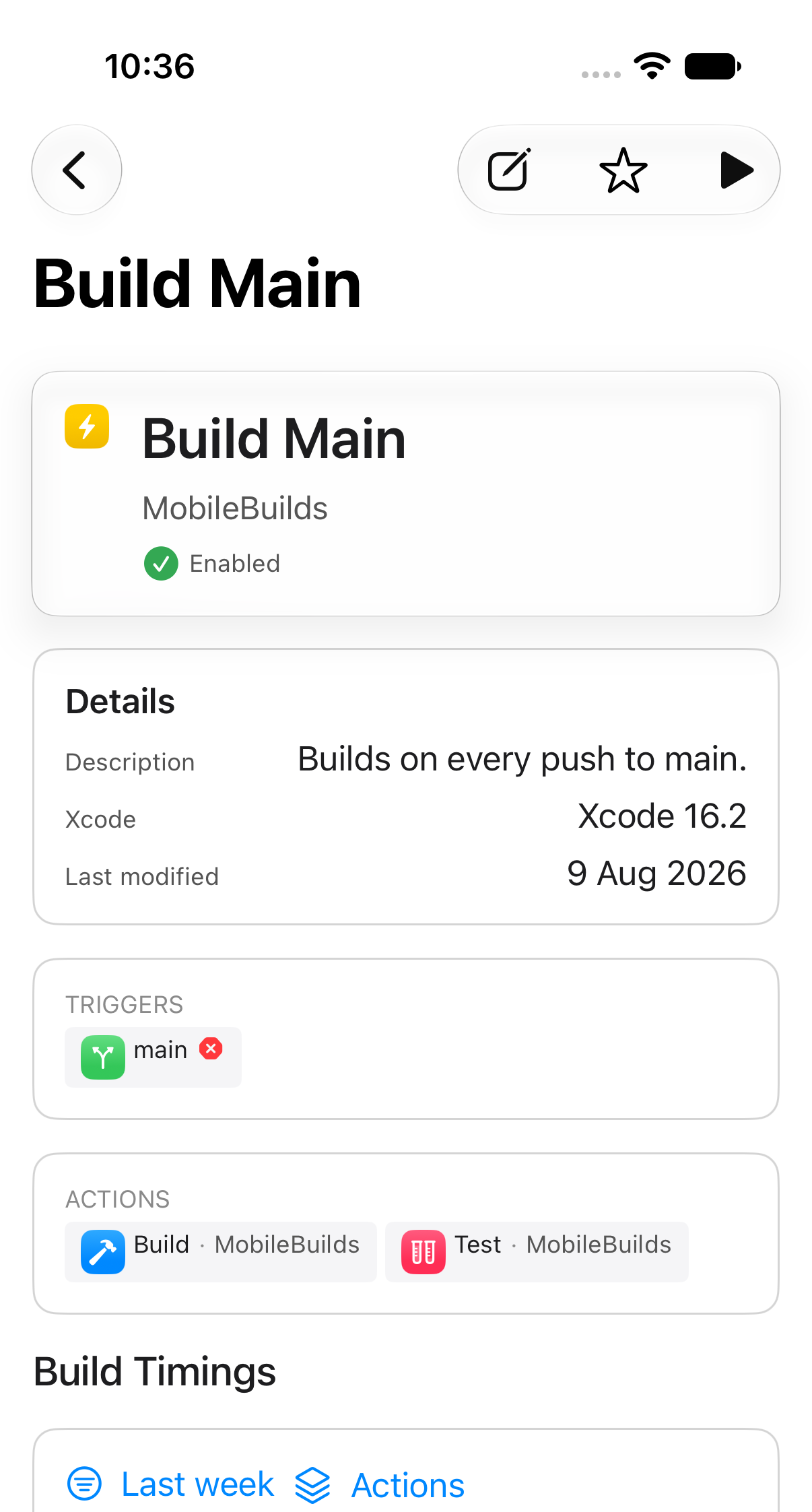
From here you can start a run, edit the workflow, or star it.