Re-running a failed build
Last updated
When a build fails for a reason that has nothing to do with your code — a flaky test, a timeout, a signing hiccup — you can queue it again without leaving the run.
Rebuild the run
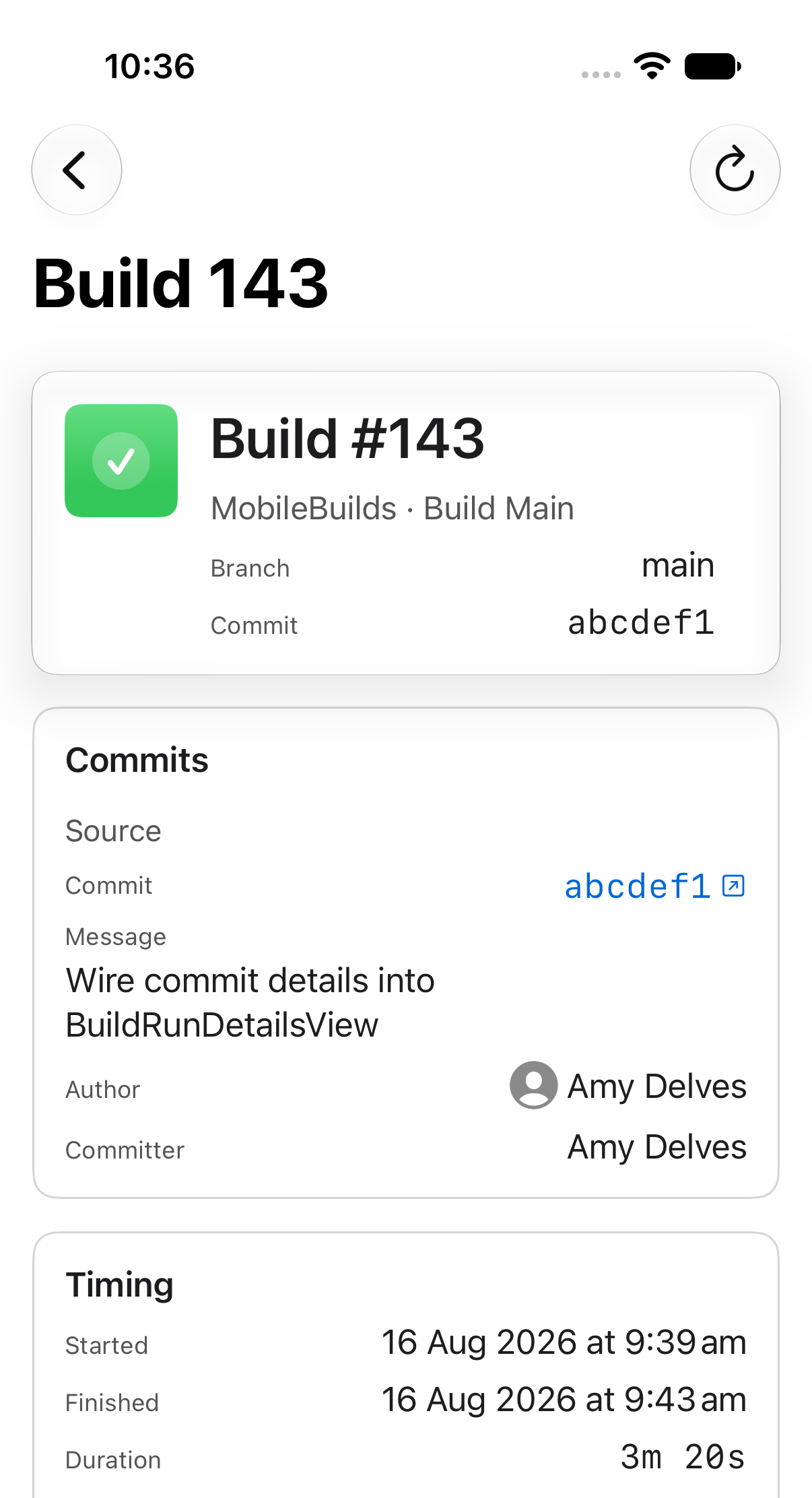
Open the run from the Runs tab, or from Recent Builds on a workflow. The Rebuild button is in the toolbar.
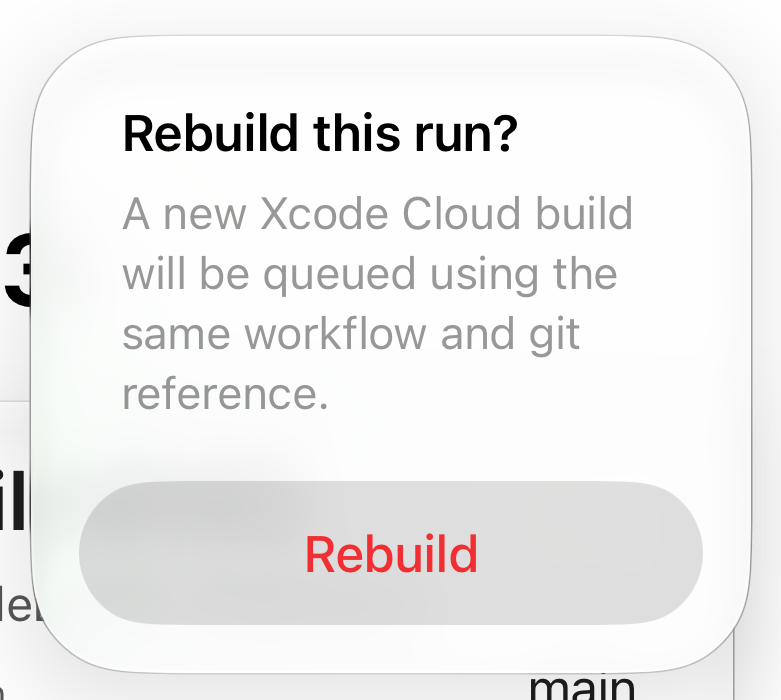
Confirm, and Xcode Cloud queues a new build using the same workflow and git reference.
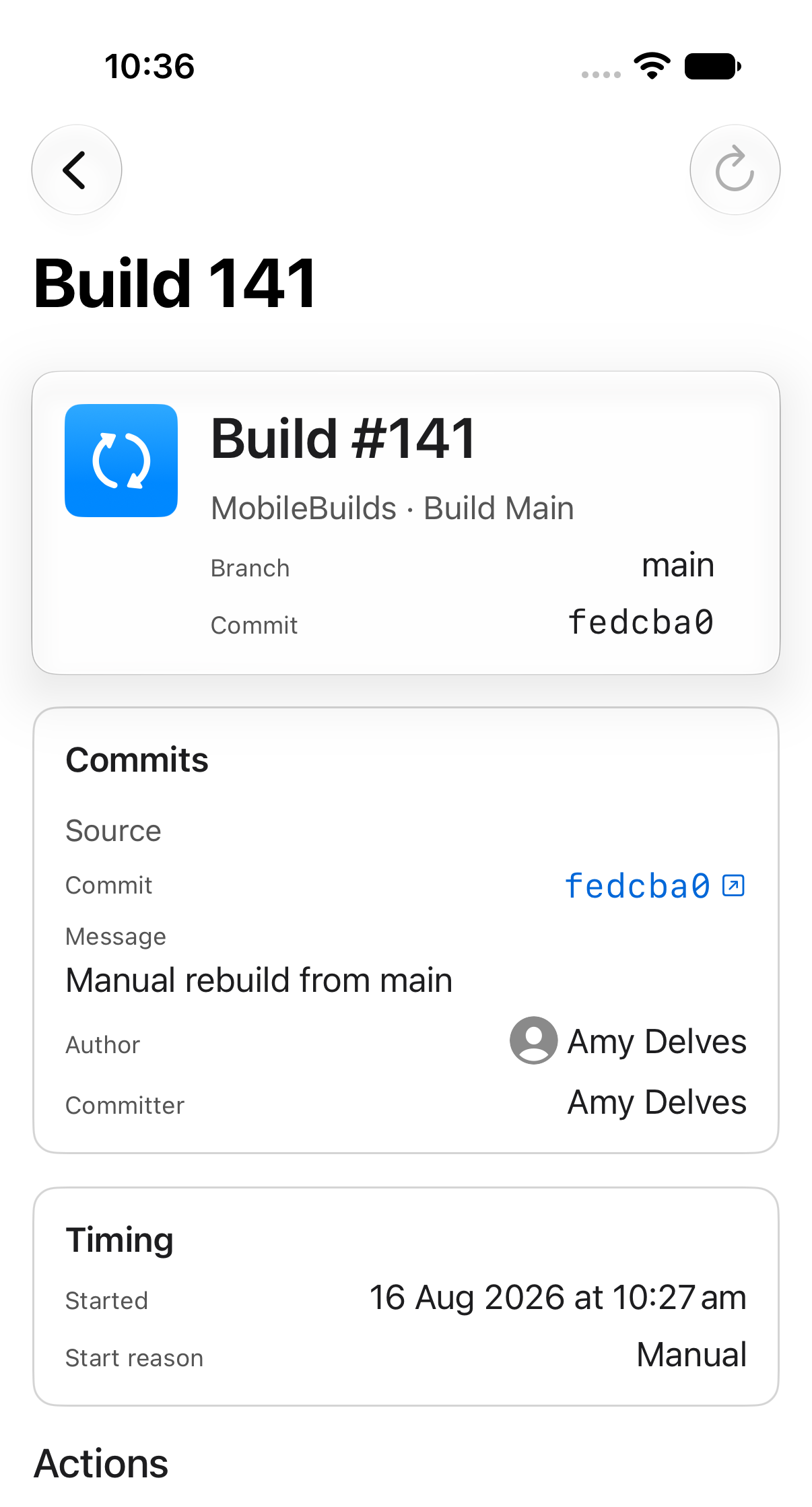
When Rebuild is dimmed
A run that hasn't finished can't be re-run. Wait for it to complete, then try again.
If the rebuild is refused
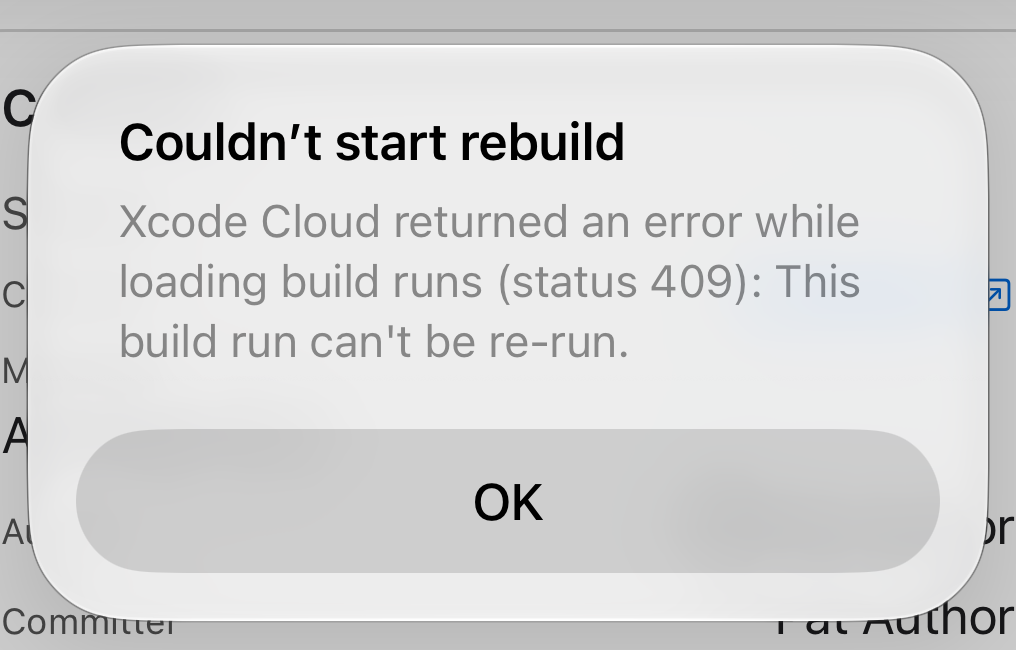
Xcode Cloud turns down some runs — usually because the reference no longer exists or the run is too old. Start a fresh build from the workflow instead.
Faster ways in
- Ask Siri: "Re-run my last build in Mobile Builds."
- The Recent Build Runs shortcut result has a Re-run button on each finished build.