Starting a build from your phone
Last updated
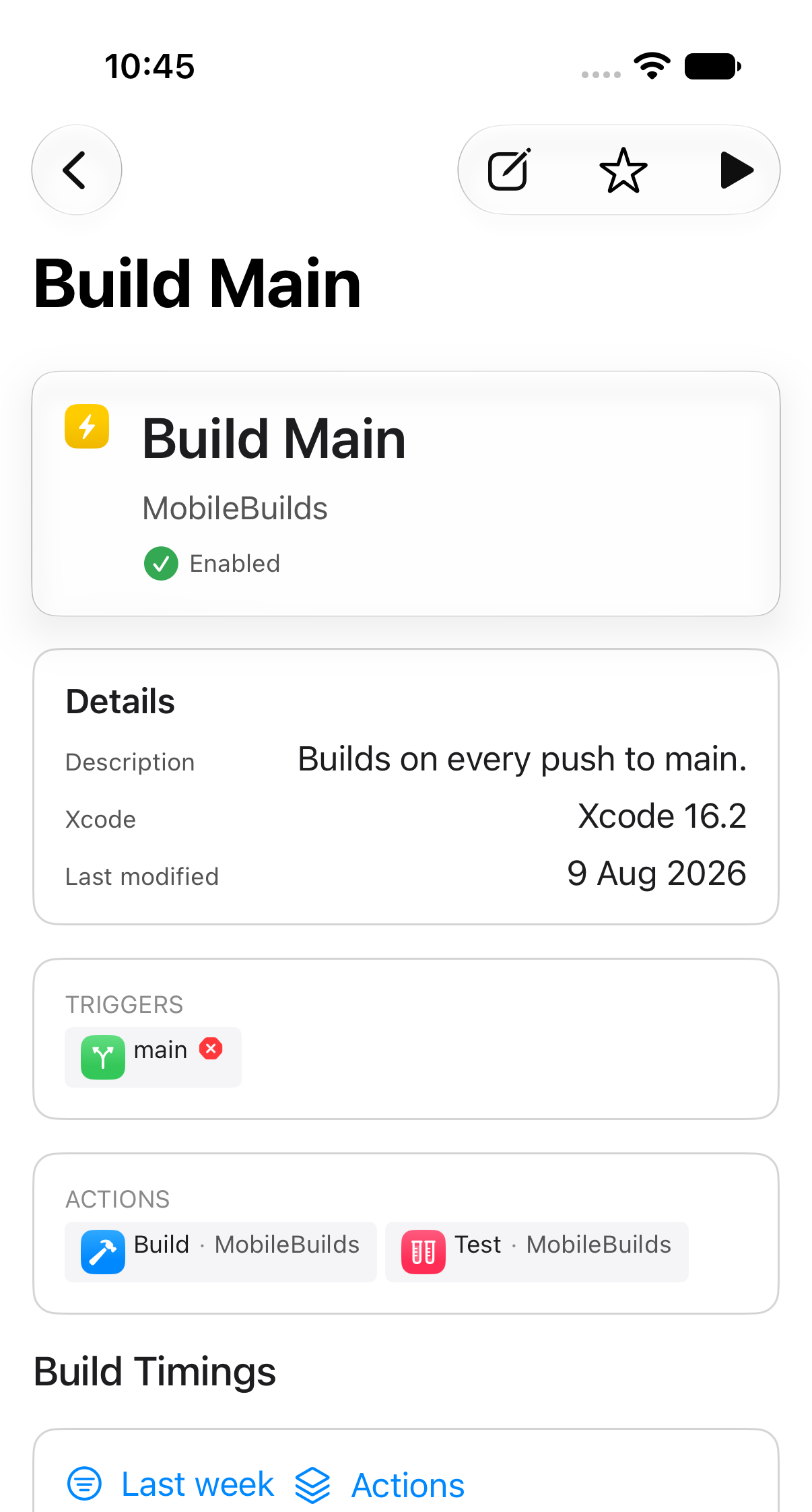
Any workflow can be run from its details screen. Mobile Builds queues the build through App Store Connect, exactly as if you had started it from Xcode Cloud.
Find the workflow
Open the Apps tab, pick your app, then tap the workflow. The New Run button is in the toolbar.
Start the run
What happens next depends on whether Mobile Builds can work out which branch to build.
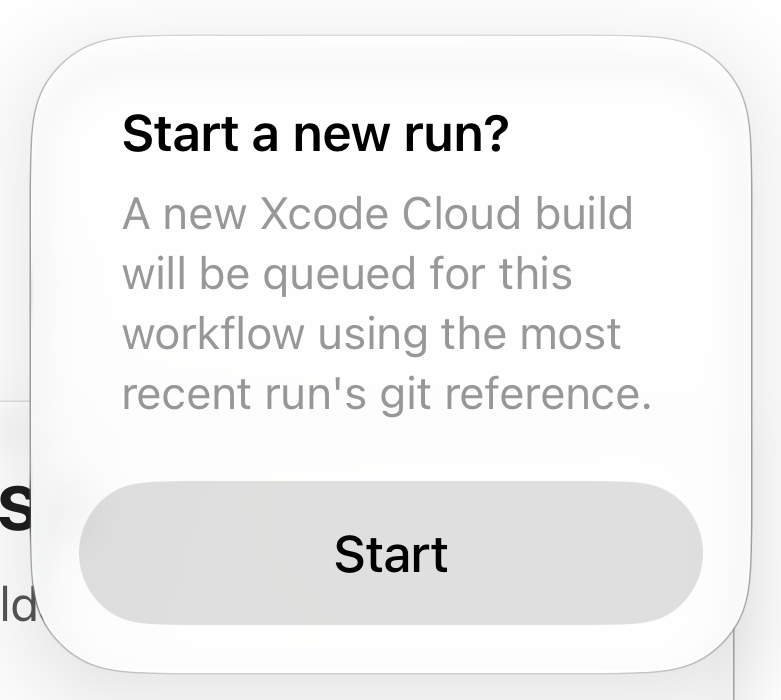
When the workflow has run before
The git reference from the most recent run is reused, and you just confirm.
When there is nothing to reuse
You are asked for a branch instead.
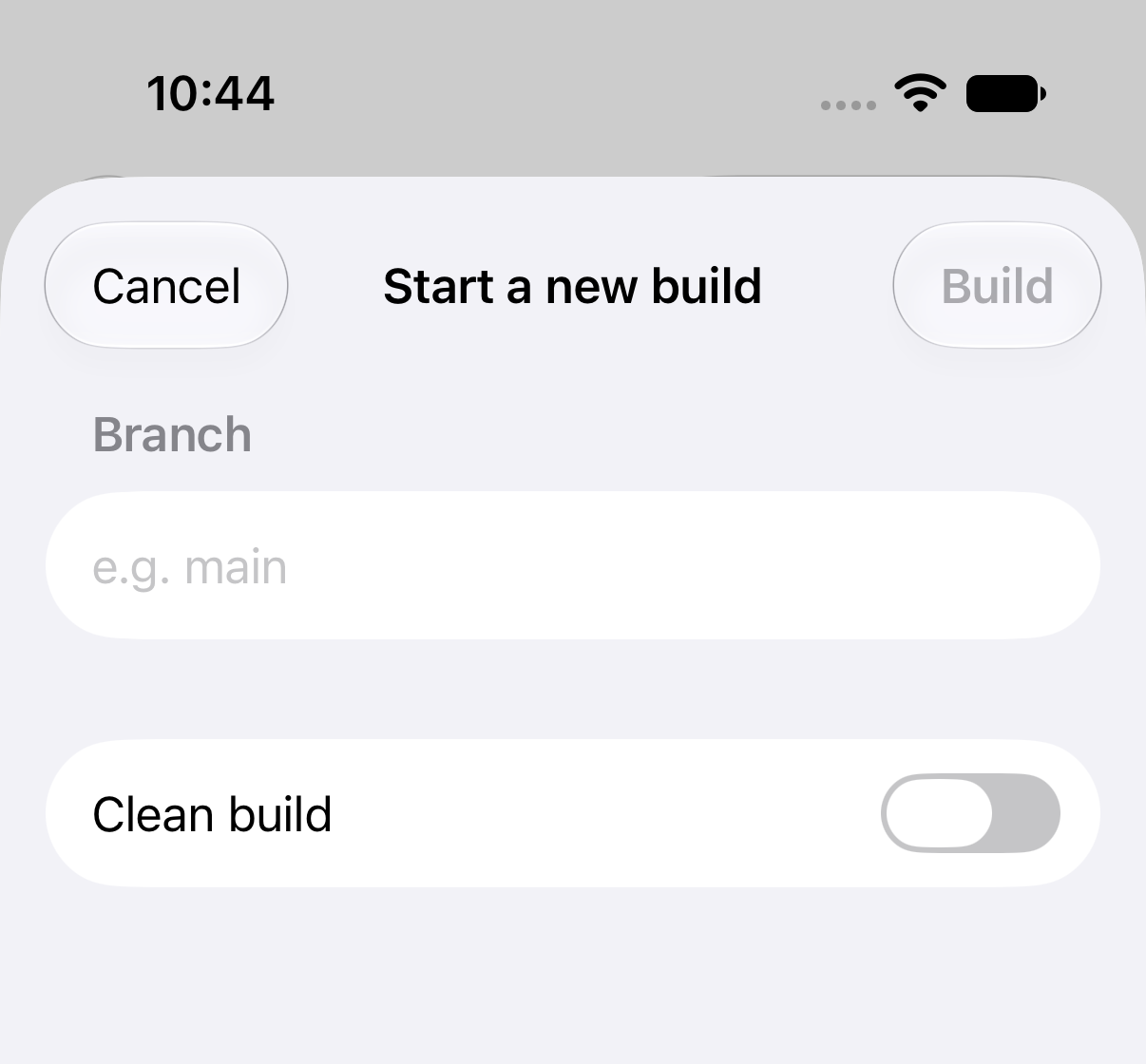
- Build stays dimmed until you type a branch name.
- Clean build discards Xcode Cloud's cached derived data for this run.
If the branch can't be found
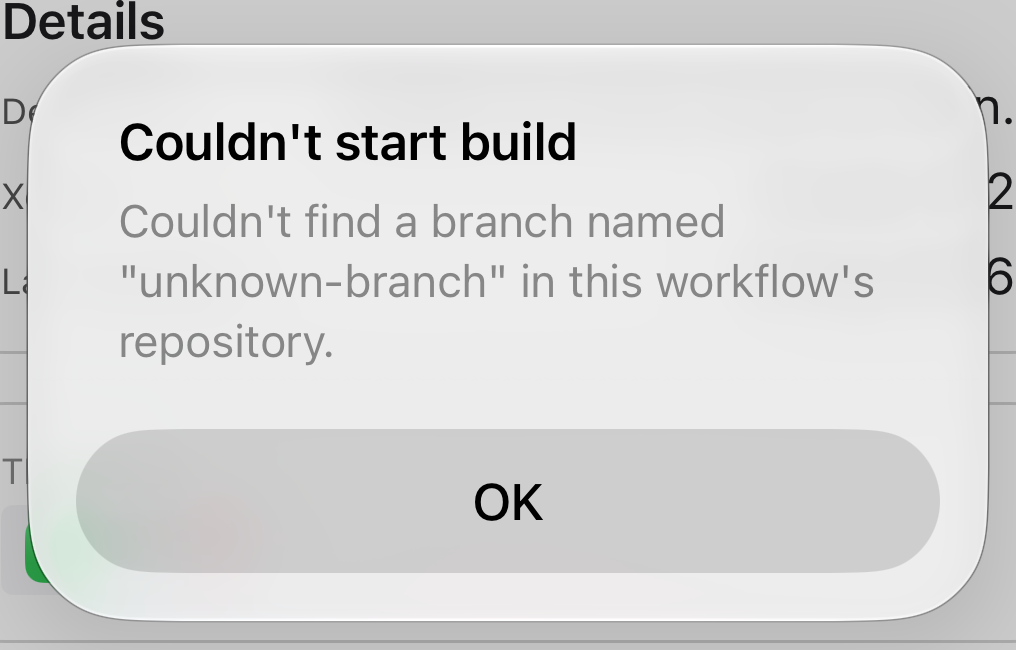
Xcode Cloud only accepts branches it can resolve in the connected repository. Check the spelling, and that the branch has been pushed.