
Using Mobile Builds from Xcode
Last updated
Xcode's coding assistant can read your Xcode Cloud builds directly, through a plug-in that points it at the Mobile Builds MCP server. Ask about a failing run in the same window you're fixing it in, without reaching for a browser or your phone.
Before you start
- Xcode 26.3 or later — earlier versions have no plug-ins.
- Mobile Builds running and unlocked on the same Mac, signed in to App Store Connect. The plug-in reads through the app and holds no credentials of its own.
- The MCP server helper — a menu bar app you download from Mobile Builds' Settings and launch once. See Installing the MCP server helper.
- Without Mobile Builds+ the assistant sees today's builds only, the same limit the app has.
Add the plug-in
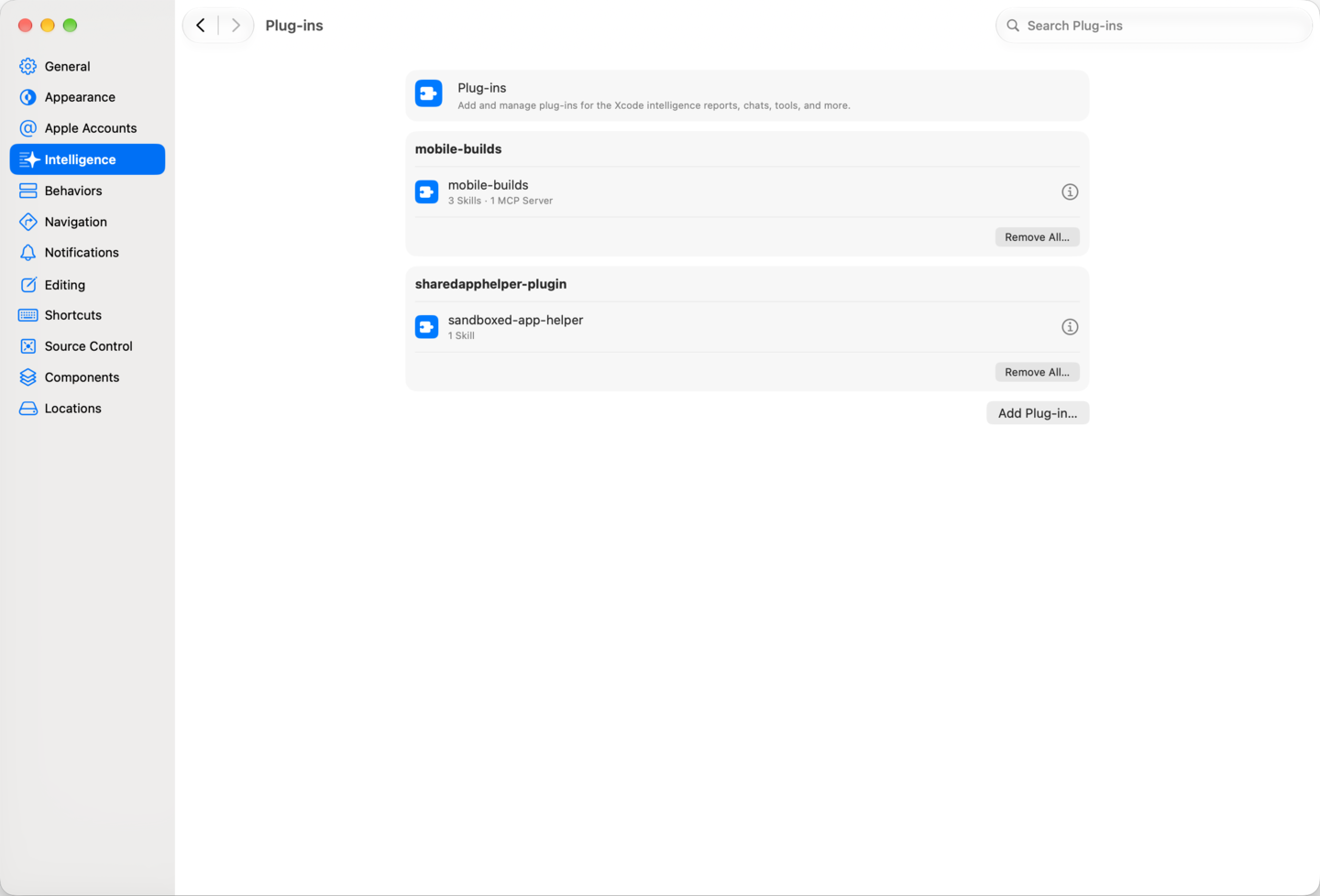
Open Settings → Intelligence. Plug-ins live under Agents in Xcode, next to Permissions.
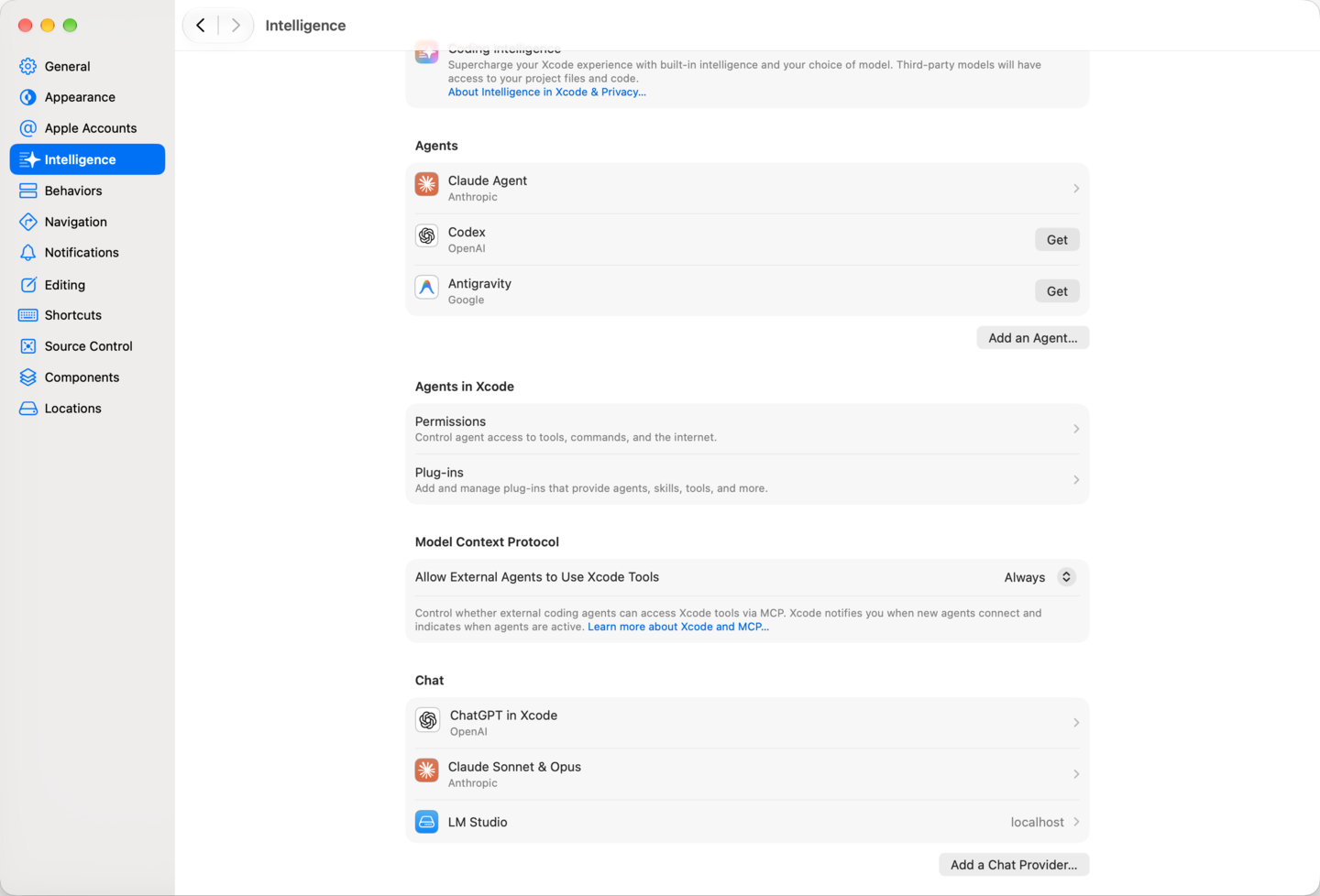
The Model Context Protocol section further down the same pane is the opposite direction — outside agents reaching into Xcode's own tools — and has nothing to do with this.
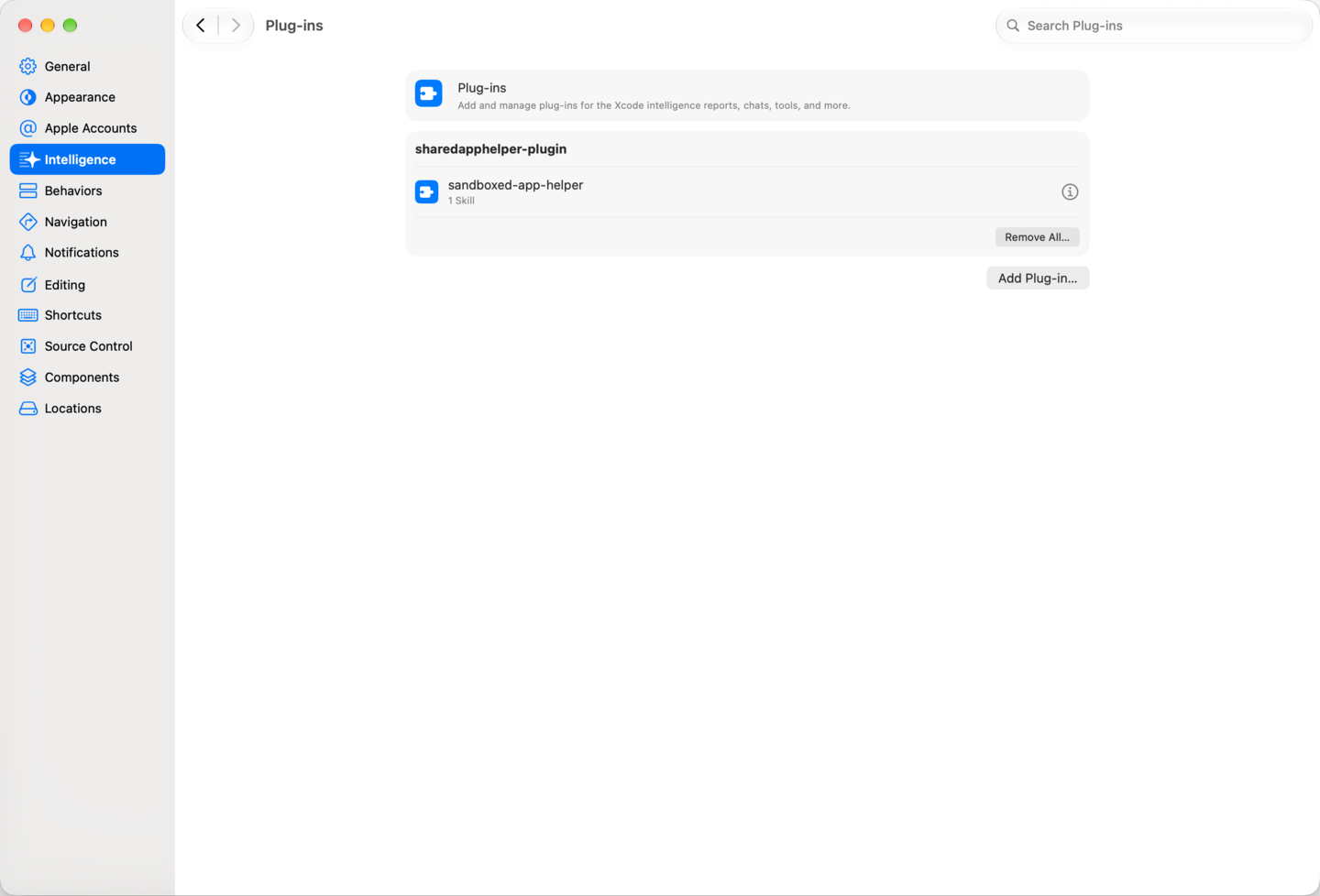
Choose Plug-ins, then Add Plug-in….
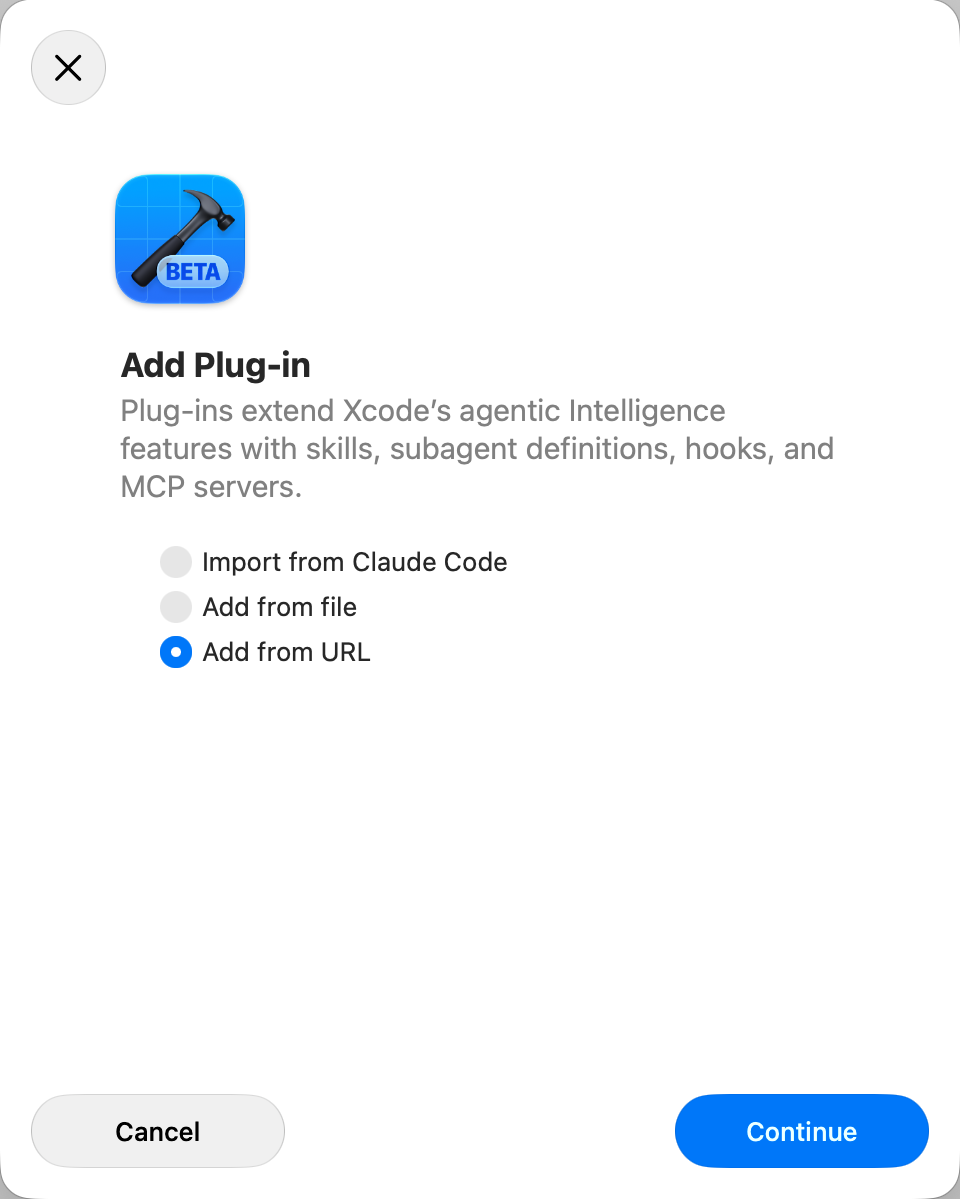
Pick Add from URL.
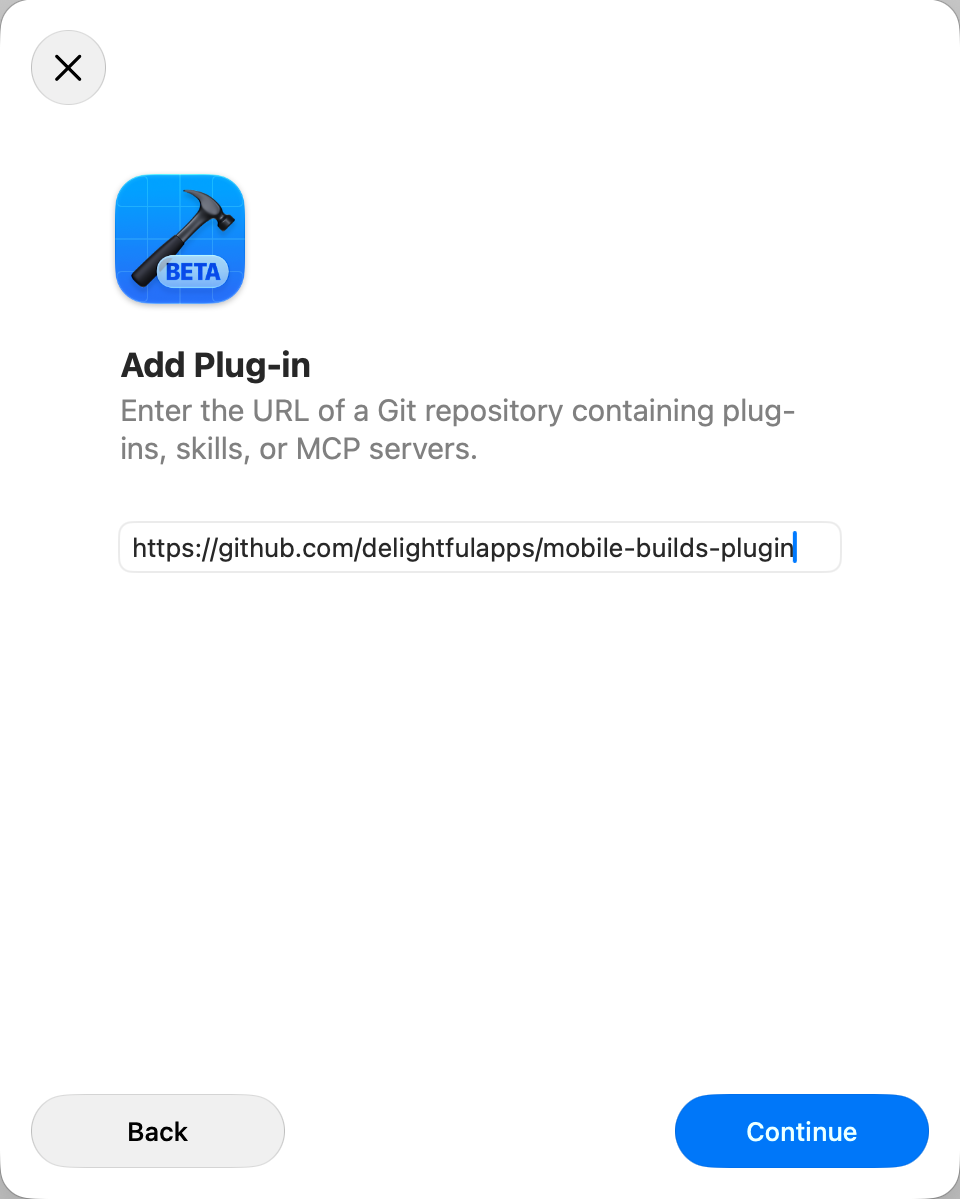
Enter https://github.com/delightfulapps/mobile-builds-plugin and continue.
Xcode reads the repository and shows what it found: one plug-in, mobile-builds,
carrying three skills and one MCP server. Leave it ticked and choose Import.
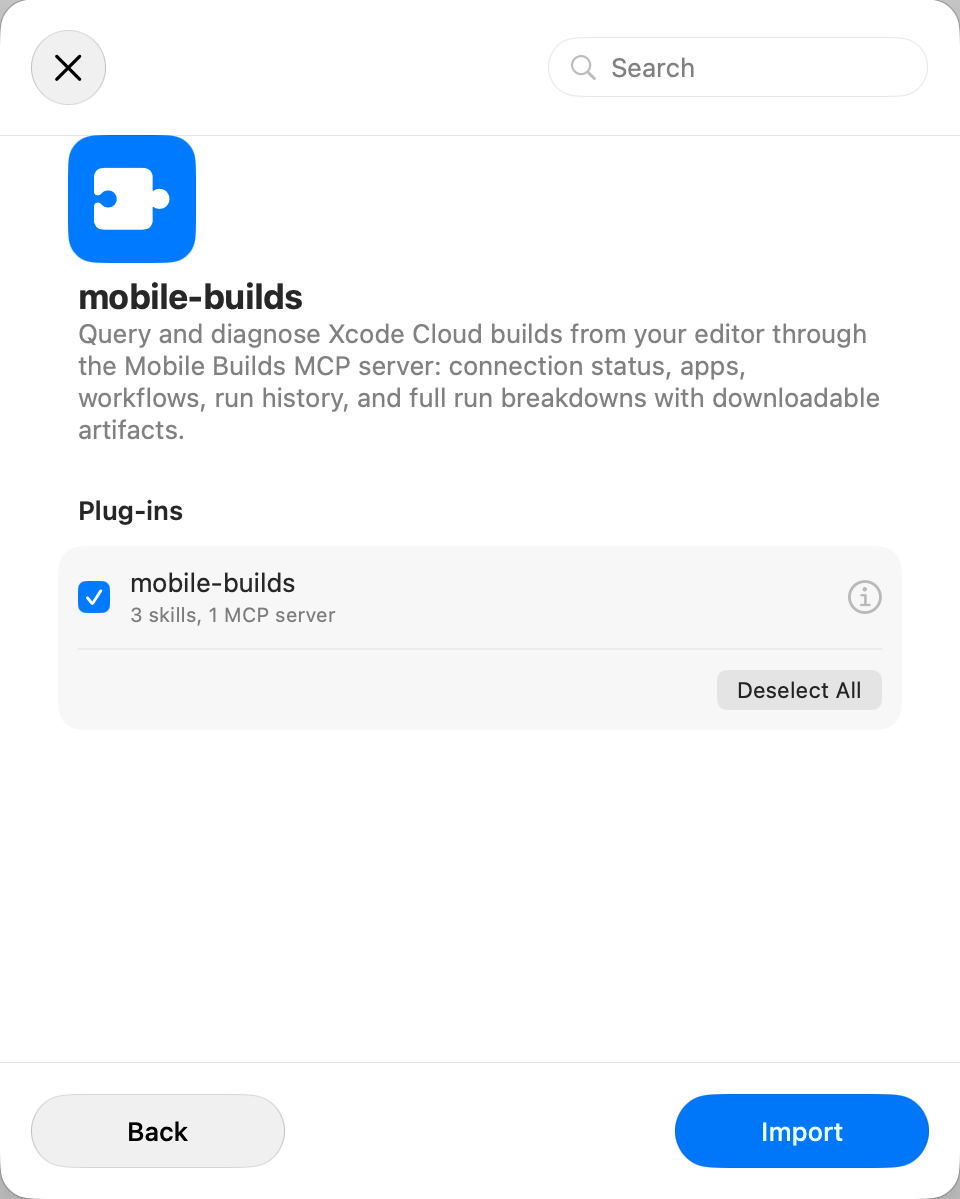
It then sits in the Plug-ins list, and the MCP server is registered along with it.
Check it connected
Ask the assistant "is Mobile Builds connected?". It walks the chain — the app, the helper, the MCP server, the plug-in — and names whichever part isn't answering, rather than handing you a bare connection error.
What you can ask
From then on the assistant reaches for the plug-in on its own whenever a question is about builds.
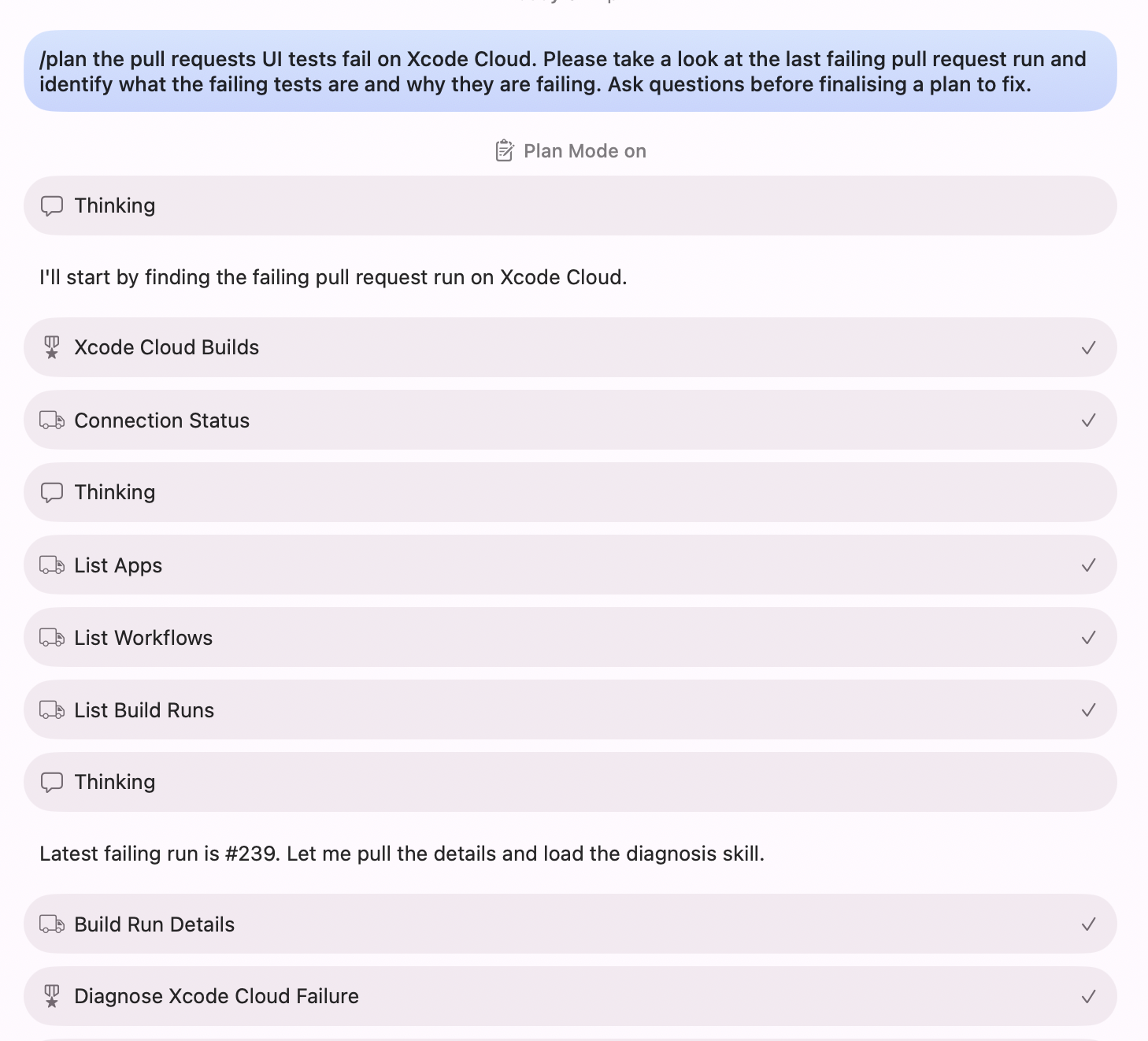
- Apps, workflows and run history — status, branch, commit, duration, and what triggered each run.
- Why a run failed — the failing step, the result bundle downloaded and read, and the source lines rebased onto your working copy so they match the file open in front of you.
- Why nothing is answering — the connection check above.
Everything the plug-in does is read-only. Starting, re-running and cancelling builds still happen in the app — see Starting a build from your phone.
If you need a different port
The MCP server binds port 8723 by default, and the menu bar helper shows the
endpoint it actually bound. To point Xcode somewhere else, edit the
mobile-builds entry under Settings → Intelligence → MCP servers. Editing
a project's .mcp.json after the plug-in is installed does nothing — Xcode
already has its own copy of the configuration.
In Claude Code
The same plug-in installs there with /plugin install delightfulapps/mobile-builds-plugin.
The skills arrive namespaced — mobile-builds:xcode-cloud-builds and the rest —
but they do the same work.